
TL;DR:
- Onboarding without IT support involves manual workflows handled by HR and managers, relying on checklists and simple tools.
- The process faces risks such as device delays, security gaps, and unclear ownership, but these can be mitigated with careful pre-boarding and documentation.
- Firms succeed by assigning clear ownership, completing technical tasks early, maintaining audit trails, and balancing human mentorship with lightweight automation.
Onboarding without IT support is the process of integrating new hires using manual workflows, coordinated human effort, and lightweight software rather than dedicated technical teams or automated IT provisioning systems. The industry term for this approach is "non-IT onboarding" or "HR-led onboarding," and it describes how most small to medium-sized firms actually operate. Structured onboarding improves retention by 82% and boosts productivity by over 70%, which means getting this right matters whether or not you have a dedicated IT department. For firms with fewer than 50 employees, the absence of IT support is not a gap to apologize for. It is a workflow design problem with practical, repeatable solutions.
What is onboarding without IT support?
Onboarding without IT support means HR professionals, office managers, or direct supervisors handle every step of new hire integration that a dedicated IT team would otherwise own. That includes device provisioning, software access setup, credential creation, and compliance documentation. The process relies on pre-built checklists, manual coordination between departments, and lightweight tools rather than enterprise Mobile Device Management (MDM) platforms or zero-touch deployment systems.
The core components of this model are:
- Pre-boarding paperwork: Sending offer letters, tax forms, direct deposit authorizations, and policy acknowledgments before day one so that administrative tasks do not consume the first week.
- Access provisioning: Manually creating email accounts, granting software licenses, and logging credentials in a shared access register before the new hire arrives.
- Device coordination: Ordering and configuring hardware in advance, treating it as a supply chain task rather than a last-minute IT request.
- Role clarity documentation: Providing a written 30/60/90-day plan, an org chart, and a contact directory so the new hire understands who owns what without needing IT to configure a help desk ticket system.
- Audit trail maintenance: Keeping a spreadsheet or shared document that logs every device, software license, and access credential assigned to each employee.
Pre-boarding completion of IT tasks before day one frees the first day for cultural integration and role-specific training, which is where new hires actually form their impression of the firm.
Pro Tip: Create a single "Day 1 Ready" checklist that any office manager can execute without technical knowledge. Include device serial numbers, software login URLs, and the name of the person responsible for each item. Laminate a copy and keep it at the front desk.

What challenges and risks arise in onboarding without dedicated IT support?
Running onboarding without IT support introduces specific, predictable risks. Knowing them in advance is the difference between a process that holds and one that collapses under pressure.
-
Device provisioning delays. Without IT managing hardware procurement and configuration, devices often arrive late or arrive unconfigured. A new hire at a five-person consulting firm, for example, might spend their first two days waiting for a laptop that was ordered but never set up. This wastes onboarding momentum and signals disorganization.
-
Information overload without structure. 81% of employees feel overwhelmed during onboarding and forget 70% of information within 24 hours without reinforcement. When there is no IT system managing training delivery or progress tracking, the burden falls entirely on managers who are often too busy to follow up consistently.
-
Security and compliance gaps. Manual IT onboarding without MDM enrollment creates devices with no visibility, no remote wipe capability, and no audit trail. For a law firm or medical practice handling sensitive client data, this is a material compliance risk, not just an inconvenience.
-
Ownership ambiguity. When IT is not in the picture, it is rarely clear whether HR, the hiring manager, or the office manager owns each onboarding task. That ambiguity produces gaps. The new hire's email is not set up because everyone assumed someone else handled it.
"Leaving Day 1 without scheduled integrations wastes critical time when IT cannot support immediate technical setup." This observation from practitioners who manage onboarding without IT teams captures exactly why pre-boarding discipline is non-negotiable.
The 66% of new hires who struggle with unclear job expectations are often victims of this coordination failure, not a lack of effort from their managers. Structure compensates for the absence of IT automation.
How does onboarding without IT compare to onboarding with dedicated IT?
The table below maps the practical differences between IT-supported onboarding and HR-led onboarding without dedicated IT resources.
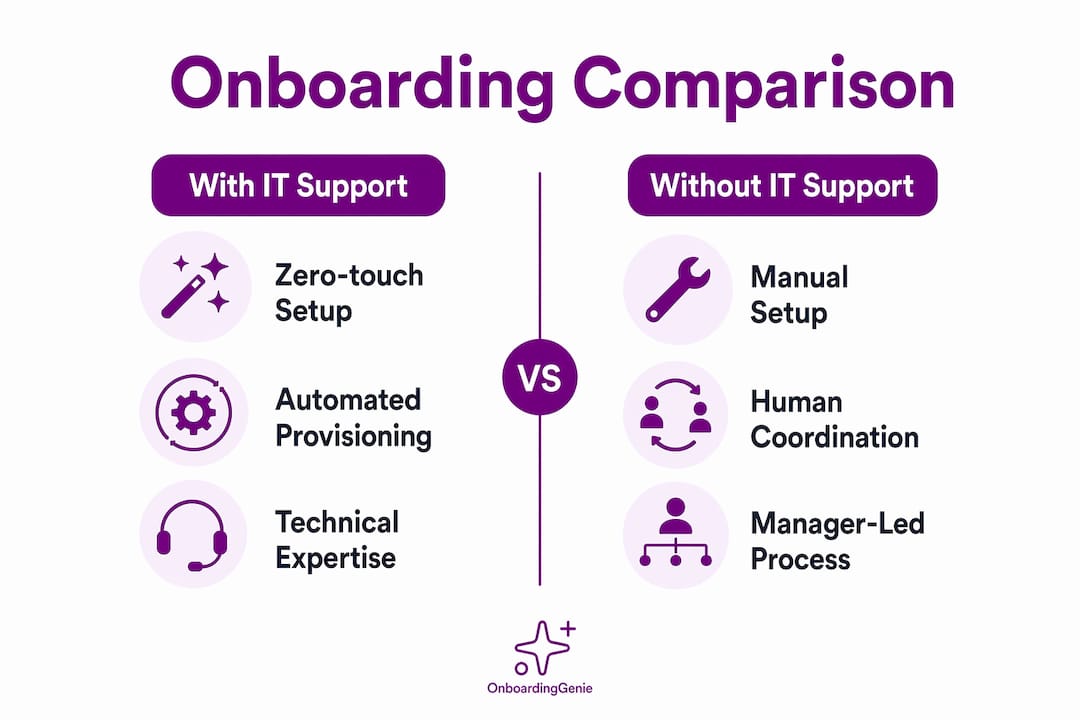
| Factor | With dedicated IT support | Without IT support |
|---|---|---|
| Device setup | Zero-touch deployment via MDM; devices arrive pre-configured | Manual configuration by office manager or vendor; requires advance planning |
| Software access | Automated provisioning through identity platforms like Okta or Microsoft Entra | Manual account creation; credentials logged in a shared spreadsheet |
| Security compliance | MDM enrollment provides remote wipe, audit logs, and policy enforcement | Spreadsheet-based tracking; no remote wipe without third-party tools |
| Timeline | Day 1 readiness is largely automated | Day 1 readiness depends entirely on pre-boarding execution |
| Cost | Higher; requires IT staff or managed service provider | Lower; relies on existing HR and management capacity |
| Human engagement | Risk of over-automation reducing personal connection | Opportunity for stronger manager involvement and role tailoring |
Zero-touch deployment automates IT onboarding but is rarely available to small firms lacking IT infrastructure. Manual setups require careful coordination over weeks, not hours. The trade-off is real, but it is manageable. Firms with managed IT and support resources can automate device enrollment and compliance tracking, but that option carries cost and complexity that most small firms cannot justify for a team of ten.
The human engagement advantage is genuine. When a manager personally walks a new hire through their first week rather than handing them a ticket number, the relationship starts differently. Managers involved in onboarding make new hires 3.4 times more likely to rate the experience as successful. That statistic holds whether or not IT is in the room.
What practical strategies help you succeed in onboarding without IT?
The steps for effective onboarding without IT support come down to five disciplines that any HR professional or business owner can implement without a technical background.
-
Assign a named onboarding owner. Clear ownership eliminates new hire neglect and process gaps. This person does not need to be technical. They need to own the checklist and be accountable for Day 1 readiness. At a ten-person accounting firm, that might be the office manager. At a solo-founder consulting practice, it might be the founder's executive assistant.
-
Complete all IT-adjacent tasks during pre-boarding. Order the device at least two weeks before the start date. Create the email account the week before. Send login credentials and a software access list three days before day one. When the new hire walks in, the technical setup is done and the day belongs to culture and role integration.
-
Build and maintain a device and access register. Simple spreadsheets tracking device and software access satisfy audit and compliance requirements even without IT-managed systems. The register should include the device serial number, assigned software licenses, account credentials (stored securely, not in plain text), and the date each item was provisioned. This document is your audit trail if a compliance question arises.
-
Use lightweight tools for coordination. You do not need an enterprise platform to manage onboarding tasks. A shared project management board in tools like Trello or Asana, combined with a Google Workspace or Microsoft 365 account, covers most coordination needs for firms under 50 people. The goal is a single source of truth that every stakeholder can access without calling IT.
-
Balance automation with human mentorship. Balancing automation for routine tasks with human mentorship produces better engagement outcomes than either approach alone. Automate the paperwork: digital signatures, form collection, policy acknowledgments. Keep the mentorship human: assign a buddy, schedule weekly check-ins for the first 90 days, and have the hiring manager personally review the 30-day plan with the new hire.
Pro Tip: Extend your onboarding program beyond the first month. Programs extending beyond 90 days improve productivity by 31%, yet only 11% of employers use them. A simple 60-day and 90-day check-in calendar invite costs nothing and pays measurable dividends.
The HR onboarding best practices that consistently produce results in small firms share one trait: they treat onboarding as a process with an owner, a timeline, and a documented outcome, not as a series of ad hoc tasks that happen to coincide with someone's first week.
Key takeaways
Onboarding without IT support succeeds when firms assign clear ownership, complete technical setup during pre-boarding, and maintain documented audit trails that compensate for the absence of automated IT systems.
| Point | Details |
|---|---|
| Define ownership clearly | Assign one named person to own the onboarding checklist and Day 1 readiness. |
| Pre-board all technical tasks | Create accounts, configure devices, and send credentials before the start date. |
| Maintain a device and access register | A simple spreadsheet tracking hardware and software satisfies audit requirements without IT. |
| Extend onboarding beyond 30 days | Programs past 90 days improve productivity by 31%; schedule structured check-ins at 60 and 90 days. |
| Automate paperwork, keep mentorship human | Use lightweight tools for forms and signatures; preserve manager involvement for role integration. |
What I've learned from watching small firms onboard without IT
The firms that handle onboarding without IT the best are not the ones with the most sophisticated tools. They are the ones that decided, at some point, that onboarding is a process worth designing rather than improvising. That decision changes everything.
What I see most often is the opposite: a hiring manager who is excited about the new person but has not thought about device setup until the morning they arrive. The new hire spends day one watching someone scramble. That first impression is hard to undo. The research on human-centric onboarding confirms what practitioners already know intuitively: engagement is formed in the first week, and it is formed by experience, not by the quality of the laptop.
The trend I find most worth paying attention to in 2026 is hyper-personalization. Not AI personalization. Human personalization. The idea that a new hire's onboarding experience should reflect their specific role, their learning style, and their career goals rather than a generic company-wide checklist. Small firms without IT are actually better positioned to do this than large enterprises, because the people running onboarding are close enough to the work to know what actually matters for each role.
The human oversight onboarding approach is not a consolation prize for firms that cannot afford IT. It is a genuine competitive advantage when executed with intention. The firms that treat onboarding as a strategic priority, even with limited resources, retain people longer and get them productive faster. The data on this is not ambiguous.
— Chris
How OnboardingGenie helps small firms onboard without IT
Small firms managing onboarding without IT teams need one place where paperwork, signatures, training materials, and compliance tracking live together. Scattered PDFs, email threads, and disconnected spreadsheets create exactly the coordination gaps that cause onboarding to fail.
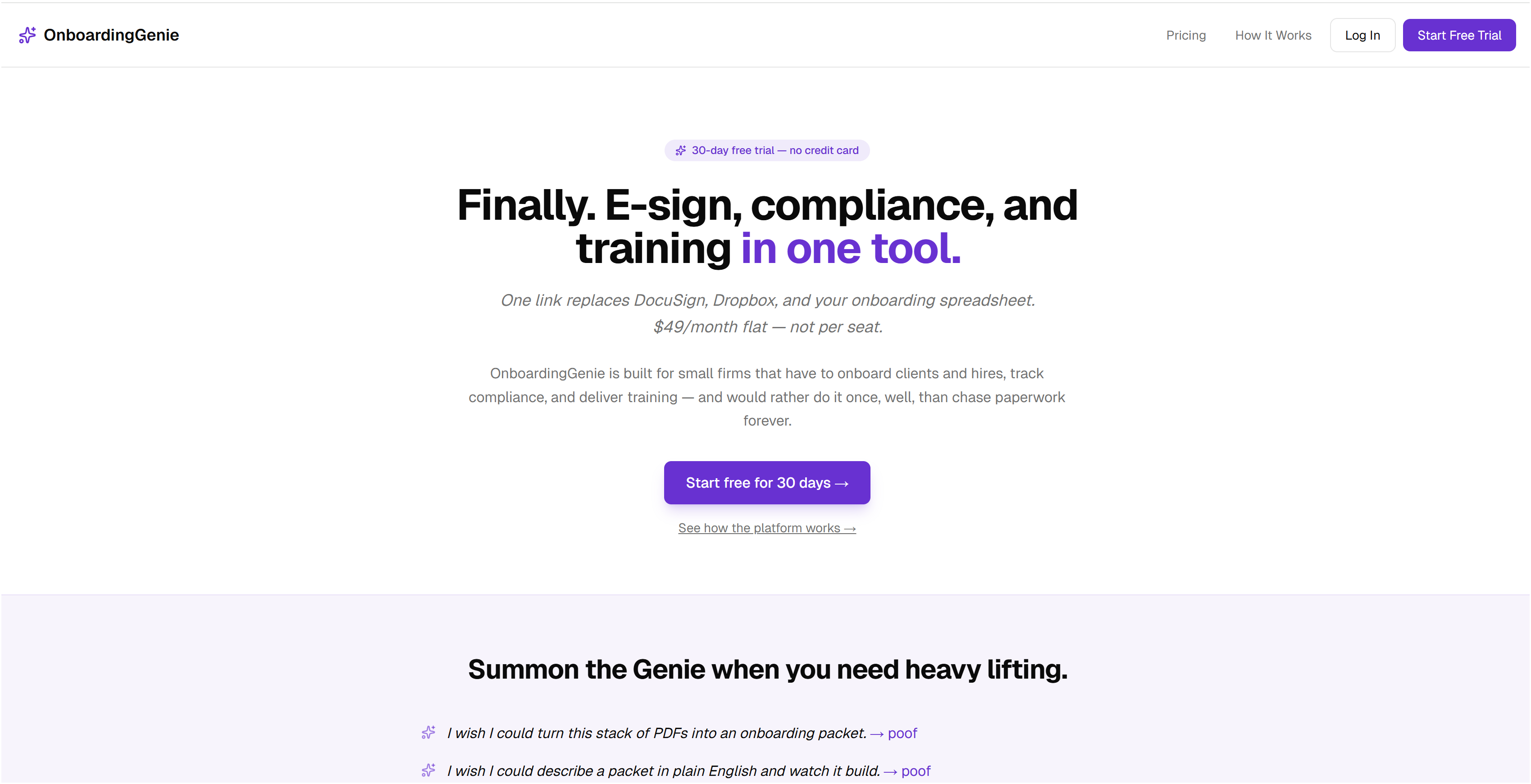
OnboardingGenie replaces that fragmented setup with a single branded portal that consolidates forms, digital signatures, documents, and training materials into one link. There is no IT configuration required to get started, and no per-seat pricing that punishes you for growing. If you are looking for a DocuSign alternative for small firms that handles onboarding and compliance without the enterprise price tag, OnboardingGenie is built for exactly that. You can also review how the platform works to see whether it fits your current process before committing to anything.
FAQ
What does onboarding without IT support actually mean?
Onboarding without IT support means HR professionals or managers handle device setup, software access, and compliance documentation manually rather than through a dedicated IT team or automated provisioning system. The process relies on pre-built checklists, lightweight tools, and clear ownership to compensate for the absence of technical infrastructure.
What are the biggest risks of onboarding without IT?
The primary risks are device provisioning delays, security gaps from missing MDM enrollment, and ownership ambiguity that leaves tasks incomplete. Maintaining a device and access register and completing all technical setup during pre-boarding mitigates most of these risks without requiring IT expertise.
How do you handle software access provisioning without IT?
Create accounts manually before the start date, log every credential and license in a shared access register, and send login details to the new hire at least two days before day one. Tools like IT support checklists for SMEs provide structured frameworks for tracking this without an IT department.
Does onboarding without IT hurt the new hire experience?
Not when it is designed well. Managers involved in onboarding make new hires 3.4 times more likely to rate the experience as successful, which means human engagement compensates for the absence of automated IT workflows. The risk is improvised onboarding, not IT-free onboarding.
What tools work best for onboarding without IT support?
Lightweight project management tools like Trello or Asana handle task coordination. Google Workspace or Microsoft 365 covers communication and document sharing. For paperwork, signatures, and compliance tracking in one place, a purpose-built platform like OnboardingGenie removes the need for multiple disconnected tools without requiring any IT configuration.