
TL;DR:
- Effective client onboarding goes beyond a welcome email and kickoff call; it is a structured process from contract signing to initial success. Proper preparation, clear responsibilities, and technology-driven workflows reduce delays, improve client perception, and foster long-term relationships. Regular communication, measurable goals, and human oversight are essential for onboarding success in small professional service firms.
Most business owners assume client onboarding means sending a welcome email and scheduling a kickoff call. That assumption costs them clients. The client onboarding process explained properly is a structured sequence of steps that moves a new client from signed contract to genuine first value, with clear responsibilities, documented handoffs, and consistent communication at every stage. Get it right and you reduce churn, build trust early, and set the tone for a long working relationship. Get it wrong and you spend the next 90 days cleaning up confusion that should never have existed.
Table of Contents
- Key Takeaways
- The client onboarding process explained step by step
- Using technology to accelerate onboarding
- Common mistakes that stall onboarding
- Communication and coordination during onboarding
- My honest take on what makes or breaks onboarding
- How OnboardingGenie supports your entire onboarding workflow
- FAQ
Key Takeaways
| Point | Details |
|---|---|
| Onboarding is more than a kickoff call | It spans from contract signing through a 30-day check-in, with structured steps at each stage. |
| Pre-kickoff prep is the hidden success factor | Internal setup before the client ever engages prevents delays and reduces rework throughout onboarding. |
| Portals cut setup time significantly | Centralizing forms, signatures, and documents in one portal can cut onboarding time by 40 to 50 percent. |
| Clear responsibilities prevent stalled onboarding | Every task needs an owner. Unassigned steps are the most common reason onboarding drags. |
| Metrics define what success looks like | Defining measurable onboarding goals early keeps both teams aligned and prevents misread expectations. |
The client onboarding process explained step by step
The full onboarding sequence runs from welcome and intake through kickoff, setup, training, go-live, and a 30-day check-in. Each stage has a distinct purpose, and skipping one typically creates problems two steps later.
Step 1: Pre-kickoff internal prep. Before you contact the client, your team needs to be ready. That means confirming scope and deliverables from the signed contract, assigning team roles, setting up shared folders, and preparing access credentials. Think of Marcus Webb at a 12-person consulting firm who sends a welcome email before his team has even read the engagement letter. The client responds with three questions nobody internally can answer yet. That gap is entirely preventable.
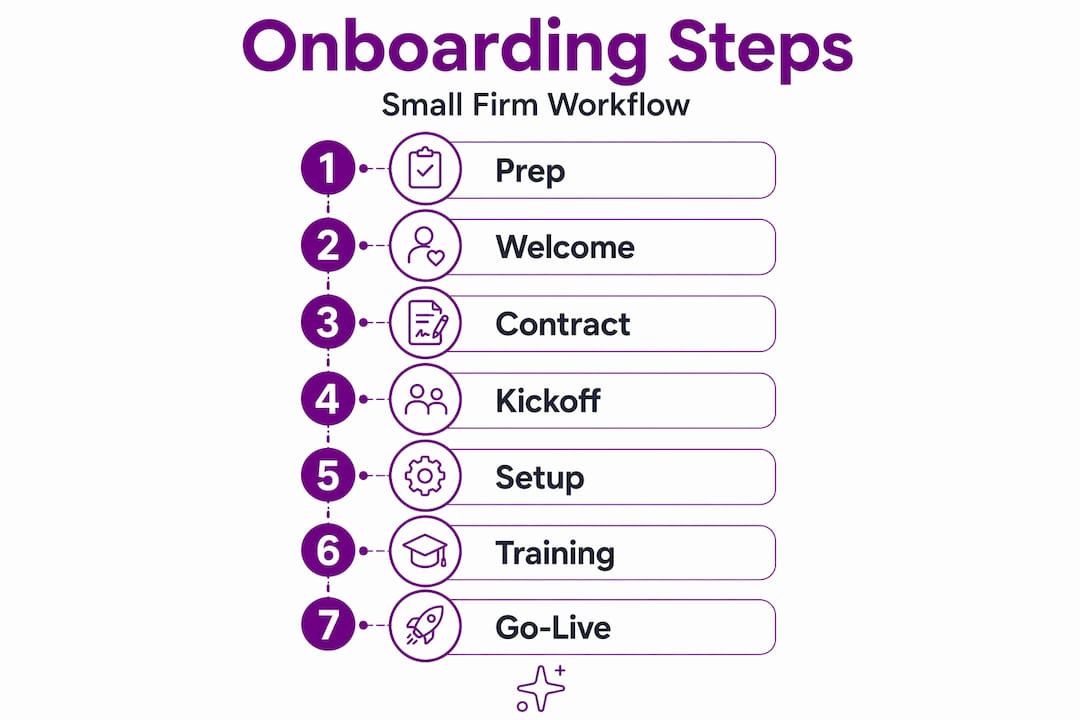
Step 2: Welcome and intake. The welcome email is not a formality. It functions as first operating instructions for the client. It should tell them exactly what happens next, what you need from them, and when to expect the kickoff meeting invite. Include a link to any intake forms or document upload requests. A vague welcome creates uncertainty, and uncertain clients ask more questions and stall more often.
Step 3: Contract confirmation and paperwork. Once the engagement letter is signed, you need to collect background information, compliance documents, and any forms specific to your service. For a law firm, this might mean retainer agreements, conflict-of-interest disclosures, and client information forms. For an accounting firm, it might include prior-year returns, access authorizations, and entity documents. All of this should be requested in a single organized packet, not scattered across three separate emails.
Step 4: Kickoff meeting. The kickoff is not where onboarding starts. It is where pre-kickoff readiness pays off. By this point, your team should already know the scope, the client should have submitted intake materials, and the agenda should be focused on alignment, not information gathering. Cover expectations, timelines, communication preferences, and how you define a successful engagement.
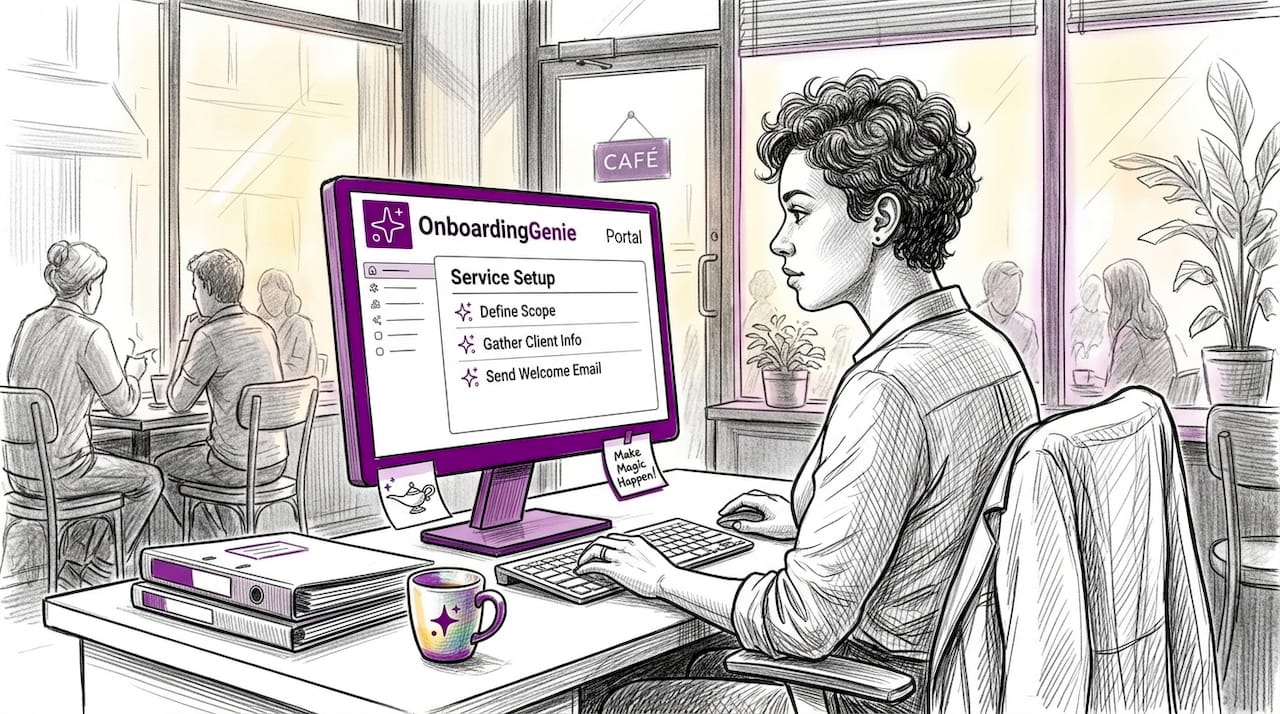
Step 5: Service setup and configuration. This is the operational work: setting up client accounts, configuring software access, organizing file structures, and completing any technical or administrative prerequisites. Microsoft recommends a centralized onboarding hub with a standard folder structure and checklists for document and access management.
Step 6: Training and validation. Before the client goes live with any deliverable or system, confirm they know how to use it. This might be a 30-minute walkthrough, a recorded tutorial, or a written guide. For client training materials that actually hold up, keep them short and focused on one task at a time.
Step 7: Go-live and early check-ins. The transition to active service should not feel like a hard stop in communication. Schedule a check-in at the two-week mark and again at 30 days. These touchpoints catch early friction before it becomes a complaint.
Pro Tip: Create a simple onboarding checklist template for each client type in your firm. A business advisory client needs different intake documents than an individual tax client. Two templates beat one bloated generic list every time.
Using technology to accelerate onboarding
A client onboarding portal is a single, centralized hub where clients complete forms, upload documents, sign agreements, and track progress. Instead of chasing attachments across five email threads, everything lives in one place with a clear status.
The practical impact is significant. Centralizing forms and document signing in a portal can cut contract and setup time by 40 to 50 percent, reducing time to first value from roughly 30 days down to 15. That number matters for client satisfaction and for your team's capacity.
Key features to look for in an onboarding portal include:
- Intake forms that clients can complete online without downloading a PDF
- Document upload with clear labeling so nothing gets misfiled
- E-signature capability built directly into the workflow, not bolted on from a third tool
- Progress tracking so both your team and the client can see what is complete and what is pending
- Automated reminders that follow up with clients who have not submitted required materials
That last feature matters more than most firms expect. The most common reason onboarding drags past 30 days is not complexity. It is a form that sat in a client's inbox for two weeks because nobody followed up. Automated, deadline-aware nudging handles that without requiring your team to manually track every outstanding item.
"Effective onboarding directly reduces churn by ensuring customers reach their first success milestone fast, supported by automation and check-ins." — Salesforce, 2026
Portals also improve client perception. When a client logs in and sees a branded portal with their name, a clear task list, and a progress indicator, they feel like they are working with an organized firm. That impression sticks. Compare that to receiving a third email asking for the same document they thought they already sent.
Common mistakes that stall onboarding
Even firms with documented processes make the same errors repeatedly. Recognizing them is the first step to fixing them.
- Skipping pre-kickoff prep. Sending the welcome email before your team has read the contract is the most common and most avoidable mistake. The structured sales-to-delivery handoff is where most onboarding failures originate.
- Vague client responsibilities. If the client does not know exactly what they need to provide, when, and in what format, they will guess. The wrong guess costs time on both sides.
- Information overload in intake. Sending a 40-field intake form to every client regardless of service type buries them in fields that do not apply. Segment your intake by client type and keep each version focused.
- Poor documentation and follow-up. Notes from the kickoff meeting that live only in someone's memory are not documentation. Every action item needs to be written down, assigned to a person, and tracked.
- No defined success metrics. Without measurable onboarding goals, neither your team nor the client can tell whether onboarding is on track. Define what "done" looks like before kickoff, not after.
- Skipping team briefing. The client should never know more about the engagement scope than your own team. Brief everyone involved before any client-facing communication goes out.
Pro Tip: After every onboarding that runs longer than expected, run a five-minute post-mortem with the team. Ask one question: where did it stall? The answer is almost always the same two or three points. Fix those specifically.
Communication and coordination during onboarding
Consistent communication is the connective tissue of any onboarding process. Here is a structure that works for small professional service firms.
- Send the welcome email within 24 hours of contract signing. Include next steps, a link to intake materials, the expected kickoff date, and a named point of contact on your team. A clear welcome email with what happens next prevents the most common early-stage delays.
- Assign a single owner for each onboarding task. Shared ownership means no ownership. Every checklist item should have one person's name next to it.
- Brief your internal team before any client contact. Share the engagement scope, the client's background, and any sensitivity flags from the sales handoff.
- Centralize all documents, notes, and communications. Whether you use a portal, a project management tool, or a shared drive, everything related to a client's onboarding should live in one location that the whole team can access.
- Track progress with a visible checklist or dashboard. Pipeline-view tracking lets you see at a glance which clients are stalled, which steps are complete, and who is responsible for follow-up. This removes the need for daily "where are we" check-ins.
- Schedule follow-up checkpoints proactively. Do not wait for problems to surface. A two-week and 30-day check-in built into the calendar from day one signals to clients that you plan ahead.
For firms managing multiple concurrent onboardings, a written handoff document between sales and delivery is worth the extra 15 minutes it takes to complete. Clients feel the difference between a firm that already knows them when the project starts versus one that makes them repeat themselves.
My honest take on what makes or breaks onboarding
In my experience working with small professional service firms, the place where onboarding breaks down is almost never the kickoff meeting. It is the 48 hours before it. The internal prep that clients never see is what determines whether the kickoff feels organized or chaotic.
I have seen firms invest in client portals, welcome email templates, and onboarding checklists, and still struggle. The reason is almost always the same: nobody owns the handoff from sales to delivery. The person who closed the deal knows things that never make it into the project file, and the delivery team starts the engagement with incomplete information. That gap shows up immediately in the kickoff.
Technology genuinely helps, but it cannot replace clarity. A portal full of incomplete forms is not better than a phone call with clear instructions. What I have found actually works is pairing structured tools with an explicit human checkpoint at every transition point. Assign a person, confirm the task is complete, then move on. The human oversight onboarding approach is not old-fashioned. It is what keeps automated workflows from producing automated failures.
The other temptation is to skip early success metrics because they feel like extra admin. Do not. Clients who understand what a successful 30-day onboarding looks like are far easier to manage than clients who are quietly expecting something different from what you are delivering. Define it early, in writing, and refer back to it at every check-in.
— Chris
How OnboardingGenie supports your entire onboarding workflow
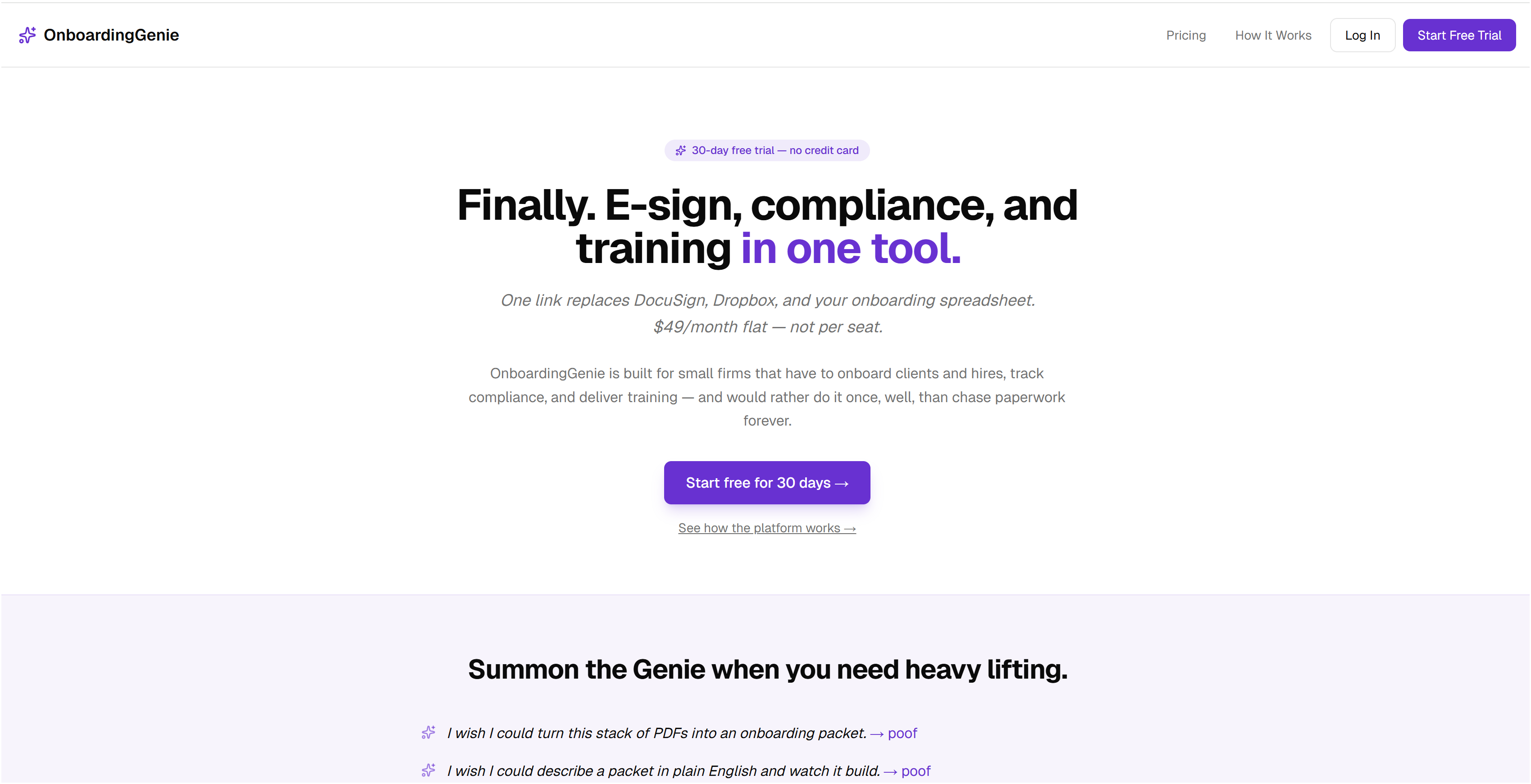
If you recognize the friction points in this article, you are not alone. OnboardingGenie was built specifically for small and mid-size professional service firms that need a structured onboarding process without paying enterprise software prices.
The platform consolidates intake forms, e-signatures, document collection, compliance tracking, and training materials into a single branded portal delivered through one link. No PDFs chased over email. No disconnected tools. Your clients see a clean, organized experience. Your team sees a pipeline view of every client's onboarding status, with deadline-aware nudging for outstanding items.
You can explore the full platform capabilities to see how it fits a firm your size, or start with a free trial to run your next onboarding end to end. Flat monthly pricing, no enterprise contract required.
FAQ
What are the core steps in client onboarding?
The core onboarding sequence runs from welcome and intake through contract processing, setup, kickoff, training, go-live, and a 30-day check-in. Each step has a defined purpose and should be assigned to a specific team member.
How long should client onboarding take?
For most small professional service firms, onboarding takes 15 to 30 days. Using a centralized portal can cut that time by 40 to 50 percent by eliminating back-and-forth over documents and signatures.
Why does onboarding fail so often at the sales-to-delivery handoff?
Most failures happen because the handoff lacks structure. The information gathered during sales does not transfer reliably to the delivery team, leaving them to start client engagement with gaps in context and scope.
What should a client welcome email include?
A strong welcome email covers what happens next, what the client needs to provide, when the kickoff will occur, and who their point of contact is. Scheduling automated follow-ups for unreturned intake forms prevents early stalls.
How do I define onboarding success for my clients?
Set measurable goals before kickoff, not after. Aligning stakeholders on value before execution starts gives both teams a shared reference point and makes check-in conversations concrete rather than subjective.