
TL;DR:
- A comprehensive small business training checklist includes eight core instructor-led materials, a phased 30-day onboarding schedule, and designated ownership to ensure consistency. Regular review, centralized storage, and feedback loops enhance training effectiveness and adaptability. Tailoring content and delivery methods to specific business contexts improves new hire performance and retention.
A training materials checklist for small businesses is a structured set of instructor-led resources covering facilitator guides, session agendas, slides, participant workbooks, pre-work, follow-up materials, feedback forms, and physical setup items. In the learning and development field, this collection is formally called an instructor-led training (ILT) package. These eight items form the core materials needed for effective small-business training sessions, and missing even one creates gaps that show up as inconsistent performance or repeated mistakes. For a firm like Meridian Consulting, a 12-person advisory practice in Austin, the difference between a new hire who ramps in three weeks and one who takes three months often comes down to whether someone documented the training or just winged it. This article gives you a practical small business training guide you can use immediately, organized by what to build, how to phase it, and how to keep it current.
1. What core training materials should every small business include?
A complete ILT package consists of eight distinct components, each serving a different function in the learning process. Treating them as one undifferentiated pile of documents is the most common mistake small firms make.

Facilitator guide. This is the session roadmap for whoever runs the training. It includes timing, talking points, discussion prompts, and notes on common participant questions. A good facilitator guide means any qualified person in your firm can run the session, not just the one who wrote it.
Session agenda. The agenda is the high-level run of show shared with participants. It sets expectations, signals professionalism, and helps learners track where they are in the session. Keep it to one page.
Slides. Slides support the facilitator. They are not the training itself. A common error is building slides so dense that the presenter reads from them verbatim. Aim for one key idea per slide, with visuals or short prompts rather than paragraphs.
Participant workbook or handouts. These are the active learning tools. Workbooks include space for notes, reflection questions, and practice exercises. For a firm like Meridian Consulting, a workbook might include a client intake simulation with blanks to fill in during the session.
Pre-work. Pre-work primes participants to engage actively and sets expectations before the session begins. A short worksheet, a two-page reading, or three reflection questions sent 48 hours before training can double the quality of in-room discussion.
Follow-up materials. These extend learning beyond the session. Job aids, quick-reference cards, and links to recorded walkthroughs all qualify. Follow-up materials are what prevent the "I forgot everything by Monday" problem.
Feedback forms. Collect reactions immediately after training and again at 30 days. The two-point comparison tells you what participants felt in the moment versus what they actually retained and applied.
Physical materials. Room setup, printed handouts, name cards, and supplies matter more than most trainers admit. A cluttered or poorly arranged room signals disorganization before a word is spoken.
Pro Tip: Build your facilitator guide first. Every other material flows from it. If you cannot write a clear facilitator guide, the session design is not ready yet.
2. How to structure a 30-day employee training checklist
Phased onboarding schedules tied to role-specific learning objectives help small businesses avoid information overload and improve new hire confidence. The 30-day structure below is the standard framework used in a solid small business training guide, and it maps directly to your training materials checklist.
Days 1 through 3: Orientation and expectations. Cover the firm's mission, values, communication norms, and compliance requirements. Deliver the employee handbook, complete required forms, and walk through the physical or digital workspace. This is not the time for deep role training. The goal is psychological safety and basic orientation.
Week 1: Role basics, tools, and common tasks. Introduce the specific software, workflows, and recurring tasks the new hire will own. At Meridian Consulting, this means a walkthrough of the CRM, a review of the client file structure, and a supervised run through a standard client intake call. Use your participant workbook here so the new hire documents what they learn as they go.
Week 2: Supervised practice and customer standards. The new hire starts doing real work with a senior colleague observing. This is where your facilitator guide earns its keep. The trainer follows the guide rather than improvising, which keeps the experience consistent across hires.
Week 3: Growing independence and quality checks. The new hire works with less direct supervision but checks in at defined points. Quality review sessions, short quizzes, or scenario-based exercises work well here. This is also the right time to revisit pre-work materials and confirm the foundational concepts landed.
Week 4: Feedback loops and next steps. Conduct a structured 30-day review. Use your feedback form to collect the new hire's assessment of the training itself. Identify skill gaps and assign follow-up materials or a second round of supervised practice where needed.
Pro Tip: Resist the urge to front-load everything into week one. A new hire who receives 40 documents on day one retains almost none of them. Sequence materials to match the pace of actual job exposure.
3. Best practices for organizing and maintaining training materials
Without a single source of truth, training materials become outdated and training consistency suffers. For small firms, this problem compounds fast because there is rarely a dedicated L&D team watching for version drift.
The following practices keep your employee training resources current and findable:
- Central repository. Store all training materials in one location. Google Drive, SharePoint, or a dedicated platform like OnboardingGenie all work. The critical rule is that there is only one place to look. If your facilitator guide lives in three different folders, someone will train from the wrong version.
- Consistent naming conventions. Use a format like "[Role][Topic][Version]_[Date]` for every file. "Client Intake Training v3 2026-04" is retrievable. "Final FINAL training doc (2)" is not.
- Link materials to specific programs. Training materials should be linked to the specific training program they support. A workbook floating in a general folder with no connection to a session agenda is likely to be skipped.
- Assign ownership. Every training module needs one named owner responsible for keeping it current. At a 10-person firm, this might be a senior associate or the office manager. Without a named owner, updates happen when someone remembers, which means they rarely happen.
- Set a review cadence. Review all training materials at least once per year, and immediately after any significant process, software, or regulatory change. Build this into your calendar as a recurring task, not a reactive one.
The table below compares two common approaches to training material management in small firms:
| Approach | How it works | Where it breaks down |
|---|---|---|
| Shared drive with no structure | Files stored in a general folder accessible to all staff | Version confusion, outdated materials used in training |
| Structured repository with ownership | Named owner, version control, linked to specific programs | Requires initial setup time and discipline to maintain |
The structured approach takes more effort upfront. It pays back every time a new hire joins and the training runs without someone hunting for the right document.
4. How to incorporate feedback and evaluation into your training
Collecting feedback right after training and again 30 days later provides the clearest picture of what your training actually accomplishes versus what it feels like in the moment. These are two different things, and conflating them leads to training programs that score well on satisfaction surveys but fail to change behavior.
Immediate post-training feedback captures first impressions: Was the content clear? Was the facilitator prepared? Did the session meet expectations? These reactions are useful for delivery quality but tell you nothing about retention.
The 30-day follow-up is where the real data lives. Ask the new hire whether they have applied specific skills, what they still feel uncertain about, and what content they wish had been covered differently. For Meridian Consulting, a 30-day survey might ask: "Have you completed a client intake call independently? What part of the process still feels unclear?" Those answers directly inform the next version of the workbook.
"Feedback loops incorporating immediate and delayed evaluation provide the most actionable insights for improving training programs." — SessionLab
Practical feedback collection for small businesses does not require a sophisticated platform. A five-question Google Form sent immediately after training and a seven-question follow-up at 30 days covers the basics. The questions that matter most are behavioral: "Have you done X?" not "Did you enjoy learning about X?"
Use evaluation data to update content, not just delivery. If three consecutive new hires report confusion about the same workflow in their 30-day surveys, that workflow needs a clearer explanation in the workbook, not a better facilitator.
5. Situational recommendations for different small business contexts
Not every small business runs the same type of training, and your training materials checklist for a startup looks different from one built for a compliance-heavy professional service firm. The core eight items remain constant. What changes is the content, the sequencing, and the delivery format.
- Federal contracting firms. The U.S. General Services Administration offers recurring training for small businesses pursuing federal opportunities, including compliance updates and Q&A events. If your firm holds or pursues federal contracts, your training checklist must include compliance-specific modules tied to current GSA guidance. These are not optional additions. They are risk management.
- Peer-to-peer learning programs. Google's g2g program demonstrates that employee-to-employee learning increases training capacity when volunteer trainers are well-chosen and supported. For small firms, this means identifying your best performers and giving them a proper facilitator guide rather than asking them to improvise. A passionate but unprepared internal trainer does more harm than good.
- Remote versus in-person training. Remote training requires asynchronous pre-work to replace the informal context-setting that happens naturally in a room. Your pre-work packet for a remote hire should be more detailed than for an in-person one. Follow-up materials also carry more weight when you cannot walk over to someone's desk to check in.
- Startups and early-stage firms. A training checklist for startups often needs to be built from scratch with no prior documentation. Start with the three highest-risk roles, document those training packages first, and expand from there. Trying to document everything at once produces nothing usable.
- Social and communication skills. In 2026, skills-first learning tied to business strategy drives better engagement and measurable outcomes. For client-facing roles, this means your training checklist should include communication scenarios, not just technical procedures. Role-play exercises and recorded practice calls belong in the workbook for any position that involves direct client contact.
For a broader look at how these principles apply to new hire onboarding, the structure carries across industries even when the content differs.
Key takeaways
A complete training materials checklist for small businesses requires eight core ILT components, a phased 30-day delivery schedule, named ownership, and a two-stage feedback loop to produce consistent, measurable results.
| Point | Details |
|---|---|
| Eight core ILT components | Every training session needs a facilitator guide, agenda, slides, workbook, pre-work, follow-up, feedback forms, and physical materials. |
| Phased 30-day schedule | Sequence training by days 1-3, week 1, week 2, week 3, and week 4 to match job exposure and prevent overload. |
| Single source of truth | Store all materials in one named location with version control and a designated owner per module. |
| Two-stage feedback | Collect immediate post-training reactions and a 30-day follow-up survey to separate satisfaction from actual skill retention. |
| Context-specific adjustments | Federal contracting, remote work, and peer-led training each require specific modifications to the standard checklist. |
Why most small business training fails before it starts
The honest answer is documentation. Or the absence of it. I have seen firms where the entire training program lives in the head of one senior employee, and the moment that person takes a vacation or leaves, the next new hire gets a completely different experience. Written checklists and assigned ownership are not bureaucracy. They are the minimum viable structure for any training program that needs to survive beyond one person.
The other pattern I see constantly is firms that build training materials once and never touch them again. A workbook written in 2022 for a software tool that has been updated three times since then is not a training resource. It is a liability. The fix is not a major overhaul. It is a 30-minute quarterly review with a named owner who has permission to make changes.
Peer learning is worth doing, but only with guardrails. Asking your best employee to train the new hire without giving them a facilitator guide is asking them to improvise under pressure. They will default to how they personally learned the job, which may skip steps that matter. Give your internal trainers the same materials you would give an outside trainer.
The firms that get this right are not the ones with the most sophisticated tools. They are the ones where someone decided that training was worth documenting, assigned a name to each module, and built a review date into the calendar. That is the whole secret.
— Chris
How OnboardingGenie keeps your training materials organized
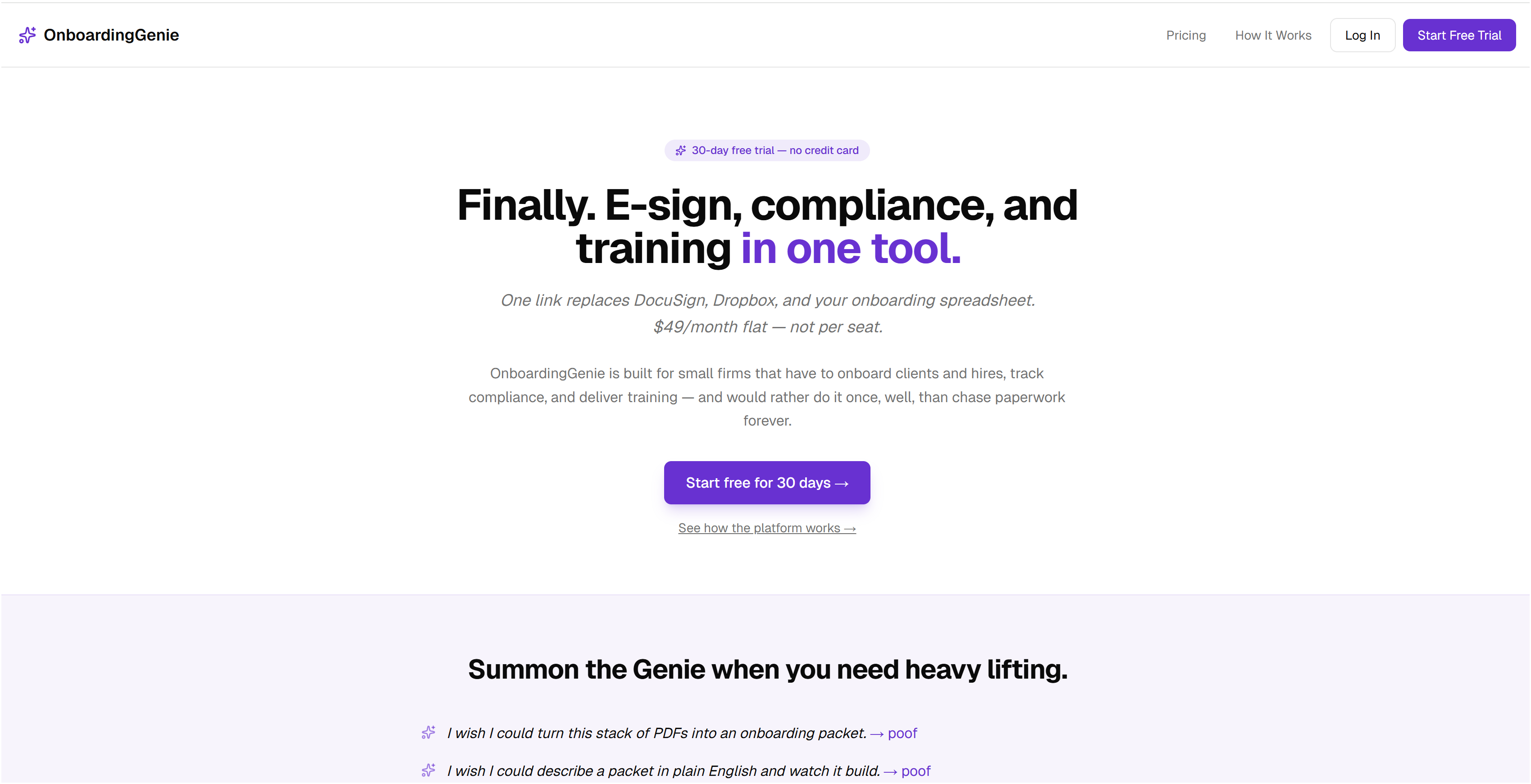
OnboardingGenie is built for small professional service firms that need one place to manage onboarding, training, and compliance without paying for an enterprise platform. The compliance management tools let you attach training checklists directly to employee onboarding workflows, track completion, and flag overdue items without chasing people through email. Every training module, form, and feedback survey lives in a single branded portal delivered through one link. If you are currently managing your employee training resources across a mix of PDFs, shared drives, and email threads, OnboardingGenie consolidates that into a workflow you can actually control.
FAQ
What are the eight core training materials for small businesses?
The eight core instructor-led training materials are a facilitator guide, session agenda, slides, participant workbook, pre-work, follow-up materials, feedback forms, and physical setup items. Each serves a distinct function and omitting any one of them creates gaps in training consistency.
How long should new hire training last for a small business?
A phased 30-day schedule is the standard structure, covering orientation in days 1 through 3, role basics in week 1, supervised practice in week 2, growing independence in week 3, and a formal feedback review in week 4.
How often should small businesses update their training materials?
Review all training materials at least once per year and immediately after any process, software, or regulatory change. Assign one named owner per module to make updates a defined responsibility rather than an afterthought.
What is the difference between immediate and 30-day training feedback?
Immediate feedback captures participant reactions to delivery and clarity. The 30-day follow-up measures whether the new hire actually retained and applied the skills covered. Both data points are needed to improve training content and delivery.
Do small businesses need different training checklists for remote employees?
Yes. Remote training requires more detailed pre-work to replace the informal context-setting that happens in a shared physical space, and follow-up materials carry more weight when in-person check-ins are not possible.