

Every professional service firm reaches the same inflection point: a new client signs on, and suddenly you need them to understand your processes, meet compliance requirements, and actually use your tools correctly. Most firms cobble together a PDF, maybe a welcome email, and hope for the best. That approach leaves money on the table. Structured onboarding cuts churn by 40%, boosts retention by 50%, and reduces support tickets by 43%. The firms that build intentional, well-organized client training materials are the ones that retain clients longer, spend less time on hand-holding, and project a level of professionalism that competitors simply cannot match.
Table of Contents
- Establish clear criteria: what effective client training needs
- Personalize training for role, channel, and learning style
- Structure and scheduling: playbooks, checklists, and automation
- Compliance training: making audits and attestations painless
- Online self-paced vs. instructor-led: blending modes for engagement
- What most firms get wrong—and what actually works
- How OnboardingGenie makes client training easy
- Frequently asked questions
Key Takeaways
| Point | Details |
|---|---|
| Personalization matters | Training tailored to roles and learning styles leads to higher engagement and adoption. |
| Structure and automation | Structured playbooks, checklists, and automated reminders drive completion and standardization. |
| Compliance by design | Auditable, tracked, and regularly updated training simplifies compliance and audit prep. |
| Blended learning works | Combining self-paced and instructor-led formats provides the best overall outcomes for client education. |
| Iterate for results | Continuous feedback and improvement keep your client training effective and relevant over time. |
Establish clear criteria: what effective client training needs
Before you write a single slide or record a single video, you need to know what your training is supposed to accomplish. That sounds obvious, but most small firms skip this step entirely and end up with a pile of materials that nobody reads. Effective client training starts with a clearly stated goal: are you onboarding a new client to your workflow, walking them through a compliance requirement, or providing ongoing education about regulatory changes?
Each of those goals demands a different structure. Onboarding training is sequential and time-sensitive. Compliance training is role-specific and must be auditable. Ongoing education is modular and evergreen. Mixing them together without labeling them clearly is one of the most common mistakes small firms make.
The essential components of effective client training materials include:
- Clear, measurable learning objectives stated at the start of each module
- Role-specific content that avoids burying clients in information that does not apply to them
- Multiple content formats to accommodate different learning preferences
- A mechanism to track completion, gather feedback, and measure impact over time
- Version control so that updated materials replace outdated ones automatically
Personalizing training materials by role and learning style is one of the highest-leverage moves you can make. A compliance officer at a mid-size client needs different depth than an end user who just needs to know how to submit a document. Treating them identically wastes both their time and yours.
"The goal of client training is not to transfer information. It is to change behavior. Materials that accomplish that are worth building carefully."
Pro Tip: Before building any new training module, write a one-sentence outcome statement: "After completing this module, the client will be able to ___." If you cannot fill in that blank clearly, the module is not ready to be built yet. This simple discipline saves hours of revision later.
For a broader look at how to structure these materials for your team and clients together, the practical guide for SMB training from OnboardingGenie covers delivery frameworks that work at scale without requiring a dedicated L&D department.
Personalize training for role, channel, and learning style
Once you know what effective training looks like in the abstract, the next challenge is making it relevant to the specific humans sitting on the other side of your portal. Generic training is the enemy of completion. Clients who feel like the material was written for someone else will skim it, click through without reading, and call your support line anyway.
Role-based personalization means separating your materials by who needs what. A compliance officer needs the regulatory detail and the attestation workflow. An end user needs the step-by-step process for submitting their documents. A business owner needs the big picture and the timeline. Sending all three the same packet is the training equivalent of handing someone a 200-page manual when they just need page 12.
Here is a practical approach to building personalized training materials:
- Map out every client role that interacts with your firm's processes, even if that is just two or three distinct types.
- For each role, list the three to five things they must know and be able to do independently after training.
- Choose the content format that fits each role's context. Video walkthroughs work well for process-heavy steps. Written guides work for reference material. Interactive checklists work for compliance steps that require confirmation.
- Build in a short self-assessment at the end of each module so clients confirm their understanding before moving on.
- Use bite-sized modules and practical exercises rather than long-form documents to improve retention and reduce drop-off.
The format question matters more than most firms realize. Using multiple formats including videos, guides, and microlearning modules accommodates the full range of learning preferences across your client base. Some clients will watch every video. Others will skip straight to the written summary. Both should be able to succeed.
Gamification is worth mentioning here, even for professional service firms that might find the term a little informal. Simple progress indicators, completion badges, or even a congratulatory screen at the end of a compliance module create a small but real sense of accomplishment. That positive reinforcement increases the likelihood that clients will complete optional modules and return for refresher training.
Pro Tip: Record a short two-minute video introduction for each training packet that speaks directly to the client's role. Something as simple as "This module is for business owners who need to understand our document submission process" immediately signals relevance and reduces the mental friction of starting.
For a concrete example of how role-based training packets work in practice, the case study on tailoring onboarding materials by role shows how one CPA firm separated their individual and business client workflows into distinct packets with measurable results.
Structure and scheduling: playbooks, checklists, and automation
Personalized content is only as effective as the system that delivers it. Without structure, even the best training materials get sent at the wrong time, to the wrong person, or not at all. Playbooks and checklists are the scaffolding that keeps client training organized and scalable.
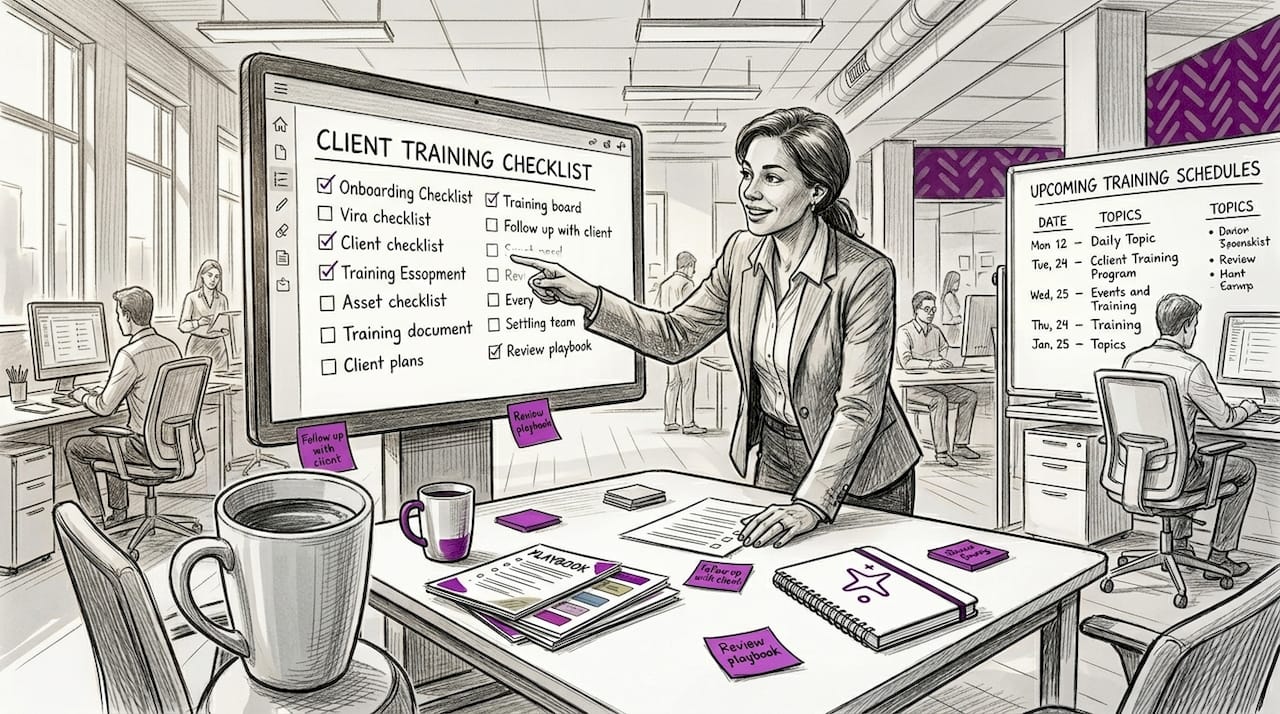
A playbook for client training should include a kickoff agenda, a sequence of modules with target completion dates, milestone checkpoints, and automated reminders for clients who have not completed required steps. Structured playbooks with checklists and weekly check-ins are one of the clearest differentiators between firms that retain clients and firms that lose them in the first 90 days.
| Feature | Manual process | Playbook with automation |
|---|---|---|
| Completion tracking | Spreadsheet, easy to miss | Real-time dashboard |
| Reminders for non-completers | Manual follow-up emails | Automated nudges |
| Version control | Emailing updated PDFs | Centralized, auto-updated |
| Audit readiness | Searching email threads | Timestamped records |
| Scalability | Breaks down at volume | Handles growth without extra staff |
The difference between a manual process and an automated playbook becomes most visible when your client volume grows. One new client is manageable. Ten new clients in the same month, each at a different stage of training, is where manual tracking breaks down completely.
Key elements to include in every training playbook:
- A welcome module delivered within 24 hours of engagement
- Role-specific module sequences with clear deadlines
- Automated reminders triggered by inactivity, not just calendar dates
- A completion confirmation step that creates an auditable record
- A feedback prompt at the end of the sequence
Tracking completions, assessments, and feedback through an LMS gives you the reporting data you need to identify which modules have low completion rates and which generate the most support questions. That data is the foundation of continuous improvement.
Pro Tip: Set your automated reminders to trigger after 48 hours of inactivity rather than on a fixed calendar schedule. A client who completed module one on a Tuesday and has not touched module two by Thursday needs a nudge. A client who is actively working through the sequence does not need interruption.
For firms that manage multiple client types simultaneously, the guide on managing different client types covers how to keep contractor, employee, and client onboarding organized within a single workflow without creating separate systems for each.
Compliance training: making audits and attestations painless
Compliance training is where the stakes get real. A missed attestation, an outdated policy version, or a training record that cannot be produced during an audit can create serious problems for your firm and your clients. The good news is that a well-structured digital training system makes compliance almost effortless to maintain.
Role-based, auditable training with quizzes, attestations, annual renewals, and version control is the standard that professional service firms should be building toward. That means every client gets exactly the compliance training their role requires, every completion is timestamped, and every policy update triggers a new training cycle automatically.
Here is what a compliant training record needs to include for each client or user:
- The specific module or policy they were trained on, including the version number
- The date and time of completion
- A quiz score or attestation confirming comprehension
- A record of any follow-up training triggered by a policy update or role change
- Annual renewal records for modules that require periodic recertification
| Compliance trigger | Training action required | Record needed |
|---|---|---|
| New client onboarding | Full compliance module sequence | Completion timestamp, attestation |
| Policy update | Targeted refresher module | New completion record, version noted |
| Role change | Role-specific module reassignment | Updated record tied to new role |
| Annual renewal | Recertification module | Date-stamped renewal confirmation |
| Audit request | Full history pull | Exportable report with all records |
Firms that handle SOC 2 training requirements or similar frameworks know that audit readiness is not something you can reconstruct after the fact. The records need to exist in real time, organized and exportable on demand.
"Compliance training that cannot be audited is not compliance training. It is just paperwork that nobody checked."
The connection between ongoing compliance and onboarding is tighter than most firms realize. When compliance training lives in the same system as your onboarding workflow, you eliminate the gap where clients fall through. The case for keeping compliance and onboarding in one tool is straightforward: separate systems create separate failure points.
Online self-paced vs. instructor-led: blending modes for engagement
The delivery mode question comes up constantly in small firms. Should you build self-paced digital modules, schedule live training sessions, or do both? The honest answer is that neither extreme works as well as a thoughtful blend.
Online self-paced training scales easily for standardized content, while instructor-led formats work better for complex or highly regulated topics that benefit from real-time questions and discussion. Mobile accessibility is critical regardless of which mode you choose, because clients are increasingly completing training on phones and tablets rather than desktop computers.
| Delivery mode | Best for | Limitation |
|---|---|---|
| Self-paced online | Standardized onboarding, compliance basics | Can feel passive without interaction |
| Instructor-led | Complex regulatory content, high-stakes training | Expensive and hard to scale |
| Blended model | Most professional service firm scenarios | Requires planning and coordination |
| Mobile-first design | Diverse client bases with varied schedules | Needs intentional formatting for small screens |
A blended approach works like this in practice:
- Deliver foundational content through self-paced modules that clients can complete on their own schedule.
- Schedule a 20-minute live session or recorded Q&A for any module that generates frequent questions.
- Use short assessments after each module to identify clients who need additional support before moving forward.
- Follow up with non-completers through automated reminders, then escalate to a personal outreach if the module remains incomplete after a set period.
Combining online and instructor-led approaches with regular assessments consistently outperforms either mode used alone. The self-paced modules handle volume and consistency. The live touchpoints handle nuance and relationship building.
For firms exploring how delivery mode connects to broader practice management, the overview of practice management onboarding covers how training fits into the larger client lifecycle. Hybrid models are also explored in depth through various hybrid onboarding strategies that translate well to professional service contexts.
What most firms get wrong—and what actually works
Here is the uncomfortable truth about client training at most small professional service firms: the materials exist, but they do not work. Firms invest time building a PDF guide or a welcome email sequence, distribute it once, and never update it again. Clients complete the training because they have to, not because it helps them. And when something changes, nobody updates the materials.
The firms that actually see results from their training programs share a few common habits. They treat training as a living system, not a one-time project. They collect feedback after every module and use that data to identify what is confusing, what is missing, and what clients are skipping. They personalize and iterate based on feedback and metrics rather than assuming that what worked for one client cohort will work for the next.
The tools do not need to be expensive or complex. A combination of a simple LMS, a screen recording tool for walkthroughs, and a structured document for tracking completion covers most of what small firms need. The mistake is waiting for the perfect system before starting. Get something working, measure it, and improve it. That cycle of iteration is what separates firms with effective training from firms with training that collects digital dust.
The other pattern worth naming is over-engineering. Some firms build elaborate training programs that are impressive to look at but impossible to maintain. When the person who built the system leaves or gets too busy, the whole thing falls apart. Simple, documented, and repeatable beats complex and fragile every time.
Improving ongoing compliance training is less about adding more content and more about creating a feedback loop that keeps existing content accurate and relevant. That discipline is what turns a good training program into a durable competitive advantage.
How OnboardingGenie makes client training easy
Building effective client training materials is entirely achievable for small firms, and the right platform makes the process significantly faster and more reliable.
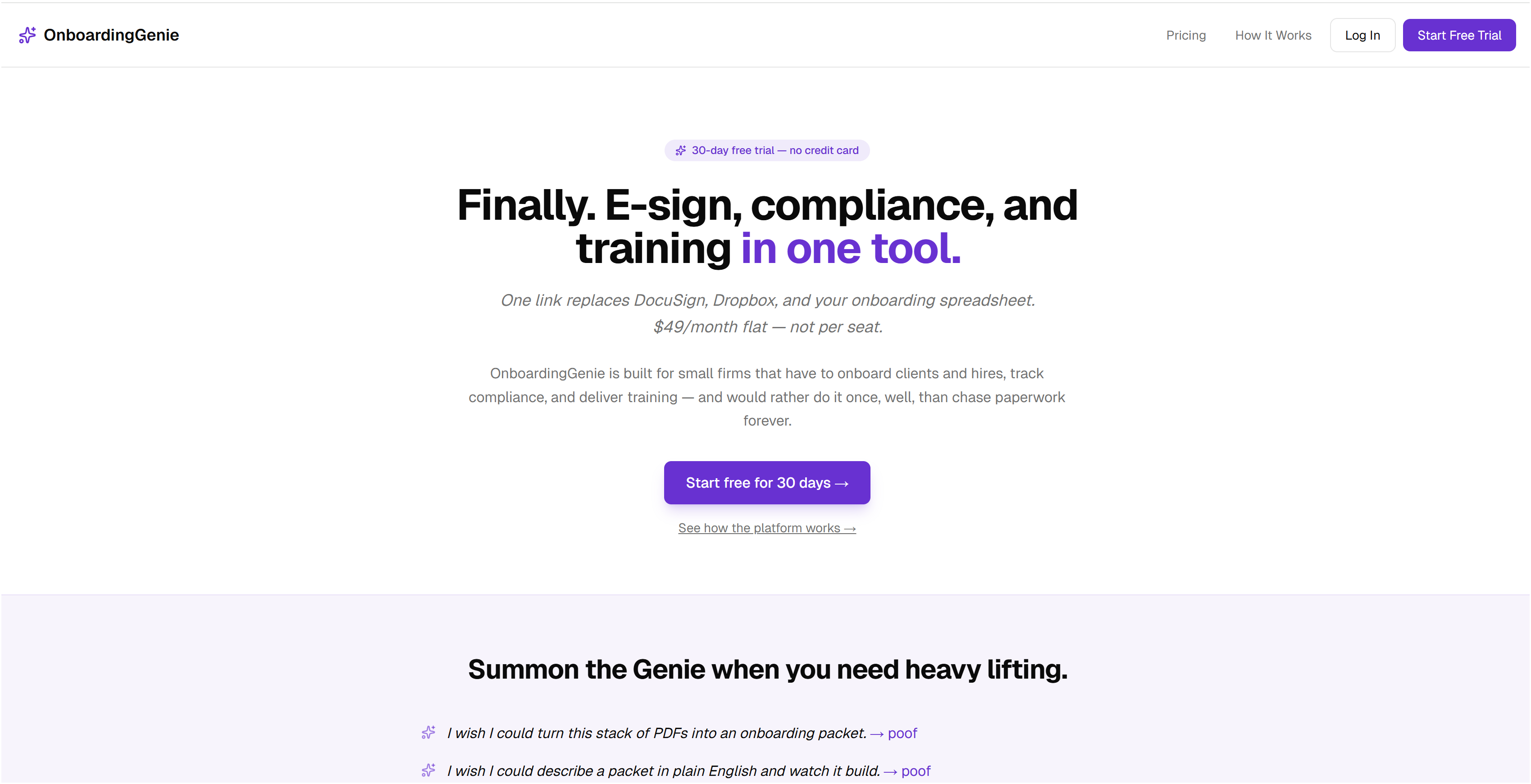
OnboardingGenie is built specifically for small and mid-size professional service firms that need to deliver personalized, trackable, and compliant client training without the overhead of enterprise software. The platform consolidates signatures, forms, compliance modules, and training materials into a single branded portal, so clients receive one link instead of a scattered collection of emails and attachments. You can explore how OnboardingGenie works to see how playbooks, version control, and automated reminders fit together in one organized workflow. The compliance management tools handle attestations and audit records automatically, so you are always ready when a client or regulator asks for documentation. Ready to put these best practices into action? Start free with OnboardingGenie and have your first training packet live within the week.
Frequently asked questions
What are the most essential elements to include in client training materials?
Include clear learning objectives, role-tailored content, interactive modules, and a system to track completions, assessments, and feedback so you can measure impact and improve over time.
How can small firms ensure their training is compliant for audits?
Use digital tools that automatically record completions, attestations, and version history, and schedule annual renewals for modules that require recertification, as outlined in role-based auditable training standards.
What is the most effective training format for diverse clients?
Blending self-paced modules with brief instructor-led sessions works best, since multiple formats including videos, guides, and microlearning accommodate the full range of learning preferences across your client base.
When should clients receive refresher training?
Refresher training should be triggered by policy changes, role changes, and set renewal intervals such as annually, with follow-up on non-completions built into your automated workflow.
How can feedback improve client training materials?
Collecting structured feedback after each module lets you iterate and personalize based on metrics, which consistently produces higher engagement and better client outcomes than static, unchanged materials.