

Managing onboarding and compliance workflows with separate tools for signatures, forms, training, and file collection creates unnecessary friction and audit gaps for small service firms. Most onboarding software either locks essential features behind per seat pricing or forces a sales call to access transparent plans and trial periods. This comparison covers pricing, compliance tracking, workflow automation, and integration support across six onboarding and compliance platforms so you can pick the system that fits your team size and operating budget without running multiple pilots.
Table of Contents
- OnboardingGenie
- FirstHR
- 321Forms
- Waybook
- Trainual
- Conboarding
- Comparing Top Onboarding and Compliance Solutions for Professional Service Firms
OnboardingGenie
At a Glance
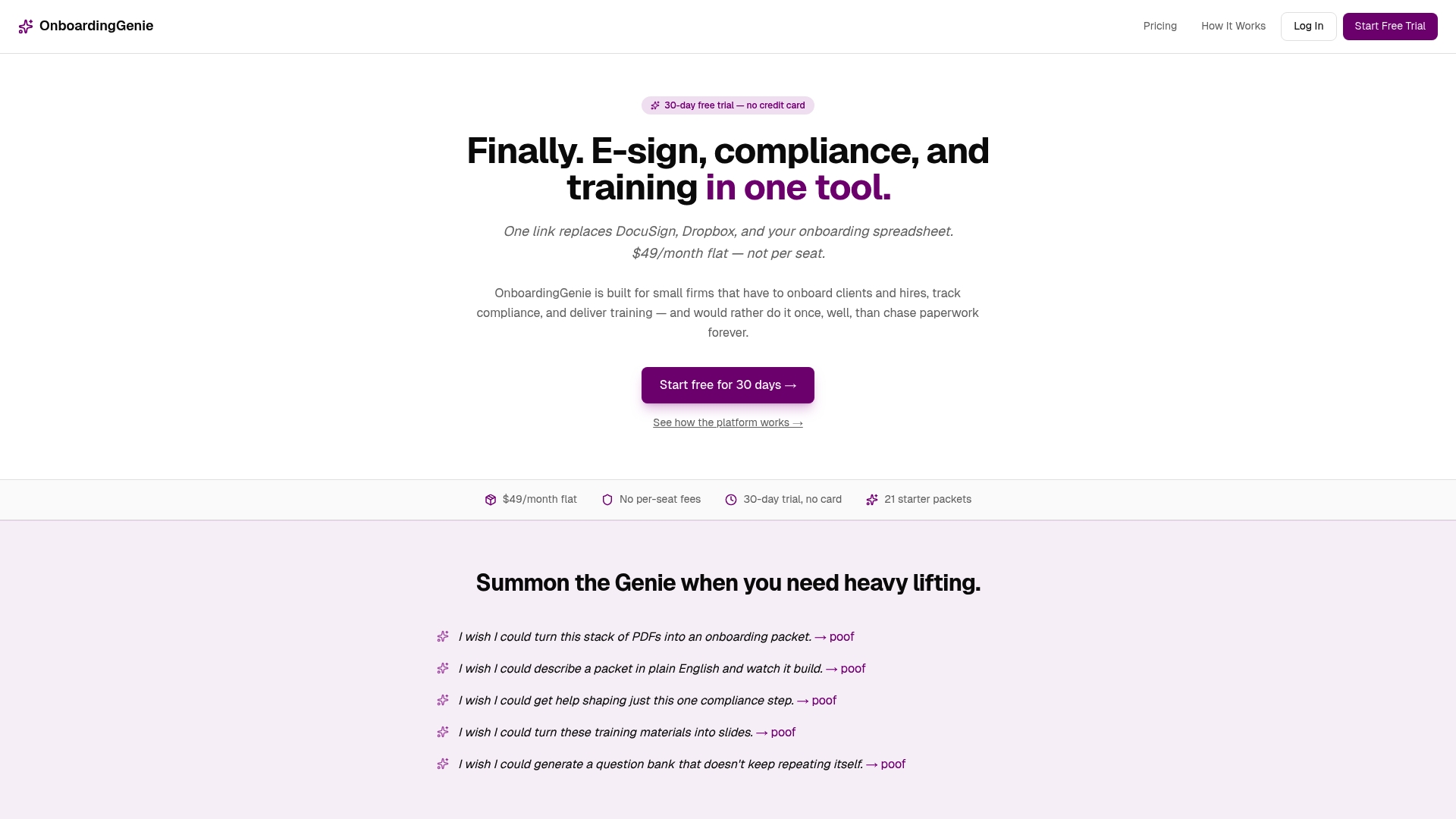
The platform charges a flat $49/month that covers unlimited packets and team members — an uncommon economics for small firms that handle frequent client or employee onboardings. OnboardingGenie is a SaaS product focused on improving onboarding, compliance, and training for small to medium sized professional service firms.
The product was built by a solo founder frustrated with bloated enterprise tools and emphasizes human led workflows augmented with automation rather than replacing human oversight.
Core Features
OnboardingGenie consolidates signatures, forms, uploads, documents, and training materials into a single branded link that clients and staff use.
- Single branded link that delivers packets and captures signatures, file uploads, and form responses.
- AI document import to convert existing PDFs into editable onboarding templates and extract structured fields.
- Structured data export for accounting and HR systems and a compliance dashboard tracking renewals, attestations, and certifications.
- Training modules with slide decks, video, quizzes, randomized assessments, and completion certificates.
Key Differentiator
The platform’s defining feature is the flat rate all in one approach for onboarding, compliance, and training tailored specifically for firms of 1 to 50 employees. It replaces separate tools like DocuSign, Dropbox, spreadsheets, and stitched together LMS solutions with one branded portal and a single dashboard for compliance oversight.
Pros
-
Flat cost math. $49/month removes per seat and per envelope fees which keeps vendor spend predictable as your headcount changes.
-
All core workflow pieces live in one place. The single link plus packet model reduces the number of systems you must train staff and clients on.
-
Practical compliance tracking. The compliance dashboard centralizes expirations, policy attestations, and training completions so audit trails are easier to produce.
-
Easy migration path. The AI import and structured exports let you reuse PDFs and push form data to accounting or HR tools instead of re keying information.
-
Designed for small firms. The interface and feature set assume a hands on admin rather than requiring an ops team to configure complex automation.
Cons
- Buyer reviews suggest it may lack advanced LMS features and enterprise grade automation for very large training programs.
Who It's For
Firms with 1 to 50 people that need a low cost, low friction way to onboard clients and staff while keeping auditable compliance records. If you run a small legal, accounting, or consulting firm and want a single link for packets, this fits.
Imagine Samira Patel, a principal at a seven person accounting firm, sending one branded link to clients that captures signatures, IDs, and tax forms without juggling three different logins.
Unique Value Proposition
The flat monthly fee changes the vendor math. By eliminating per seat and per envelope charges OnboardingGenie lowers marginal cost for every additional client packet or contractor you add.
That economic shift matters for small professional firms that scale by people during seasonally busy periods. The single branded link and audit ready records reduce admin friction and keep compliance visible to a partner or operations lead.
Real World Use Case
A small legal practice uses OnboardingGenie to onboard new clients with one branded link that captures signatures, uploads identification, and enrolls the client in a short training module. The firm records completions and stores audit ready certificates for compliance reviews.
Records and renewal reminders live in a single dashboard so the managing partner can pull a compliance report in minutes rather than assembling spreadsheets.
Pricing
The vendor lists a flat $49/month, no per seat fees, and a 30 day free trial. That rate includes unlimited packets and unlimited team members which keeps recurring costs predictable for small firms.
Website: https://onboardinggenie.com
FirstHR
At a Glance
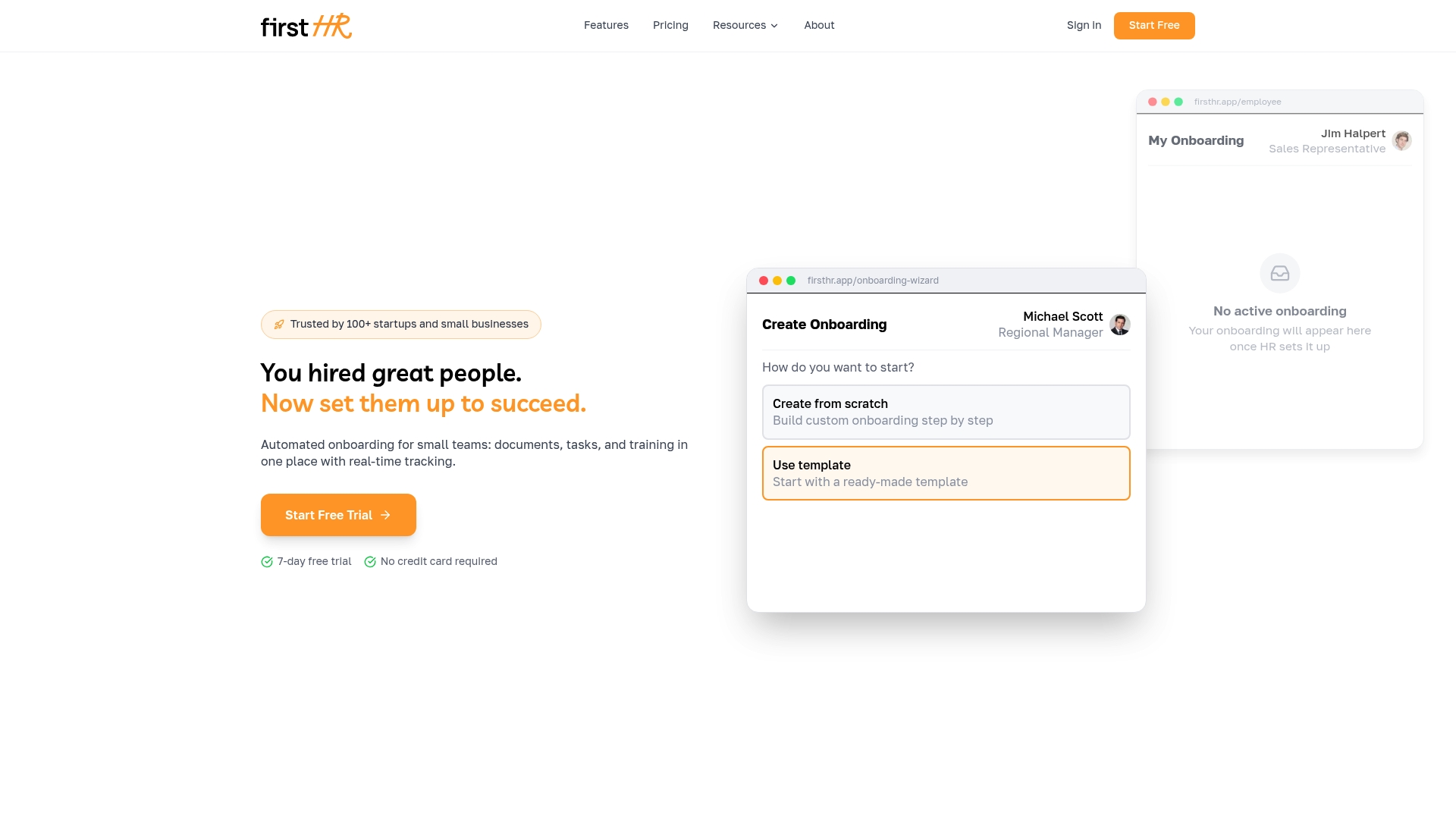
Flat $98/month covers the whole product regardless of team size — a single predictable line item that appeals to growing small businesses. According to the company, setup can be completed in hours and the AI can produce role checklists in minutes.
Core Features
The product bundles AI-assisted onboarding and offboarding workflows, built-in training modules, and task management for HR, IT, and managers. It also handles digital document collection and e-signatures plus compliance tracking for required HR paperwork.
A single portal tracks progress, assigns tasks, and stores completed forms so nothing lives in scattered inboxes or local drives.
Key Differentiator
The vendor highlights an AI wizard that generates role-specific onboarding and offboarding checklists automatically. That automation aims to replace manual template building and consulting hours by producing tailored workflows you can adjust rather than build from scratch.
Pros
-
Predictable costs. Flat $98/month pricing removes per-employee math during hiring bursts and keeps monthly budgets stable for 1–100 headcount teams.
-
Fast setup. The AI wizard reduces initial configuration time by creating role-specific checklists so you do editing, not manual mapping.
-
All required lifecycle steps in one place. Onboarding, offboarding, task assignments, training modules, and e-signatures live inside the same portal, which shortens admin cycles.
-
No HR expert required. The vendor positions the product for teams with no dedicated HR staff and offers a free trial with no credit card needed.
Cons
-
Not a full HRIS. FirstHR does not handle payroll or benefits administration, so you will need a separate vendor for compensation and benefits workflows.
-
Scale limit. The product is aimed at teams up to 100 employees, which makes it a poor long-term choice for firms that expect rapid growth into enterprise scale.
-
Limited market validation. The company lacks independent third-party reviews, so reference checks are harder than with older incumbents.
When It May Not Fit
If you need payroll, benefits, or headcount planning in one platform, this is not the right tool. Likewise, multi-entity firms or organizations expecting to exceed 100 employees should plan for migration down the road.
If your priority is heavy HR reporting or advanced people analytics, FirstHR will feel incomplete.
Who It's For
Small businesses and startups without dedicated HR staff that want a straightforward way to automate paperwork, training, and checklist-driven tasks. Useful for founders and operations leads who need reliable onboarding without hiring external consultants.
Real World Use Case
A 10-person startup uses FirstHR to automate new hire paperwork. The AI produces a role checklist, the manager assigns IT tasks, new hires complete training modules, and e-signatures capture forms. Administrative time drops and compliance items are auditable in one place.
Pricing
A single plan at $98/month flat fee with no per-employee charges. The company advertises a free trial with no credit card required so you can test onboarding and offboarding flows before committing.
Website: https://firsthr.app
321Forms
At a Glance
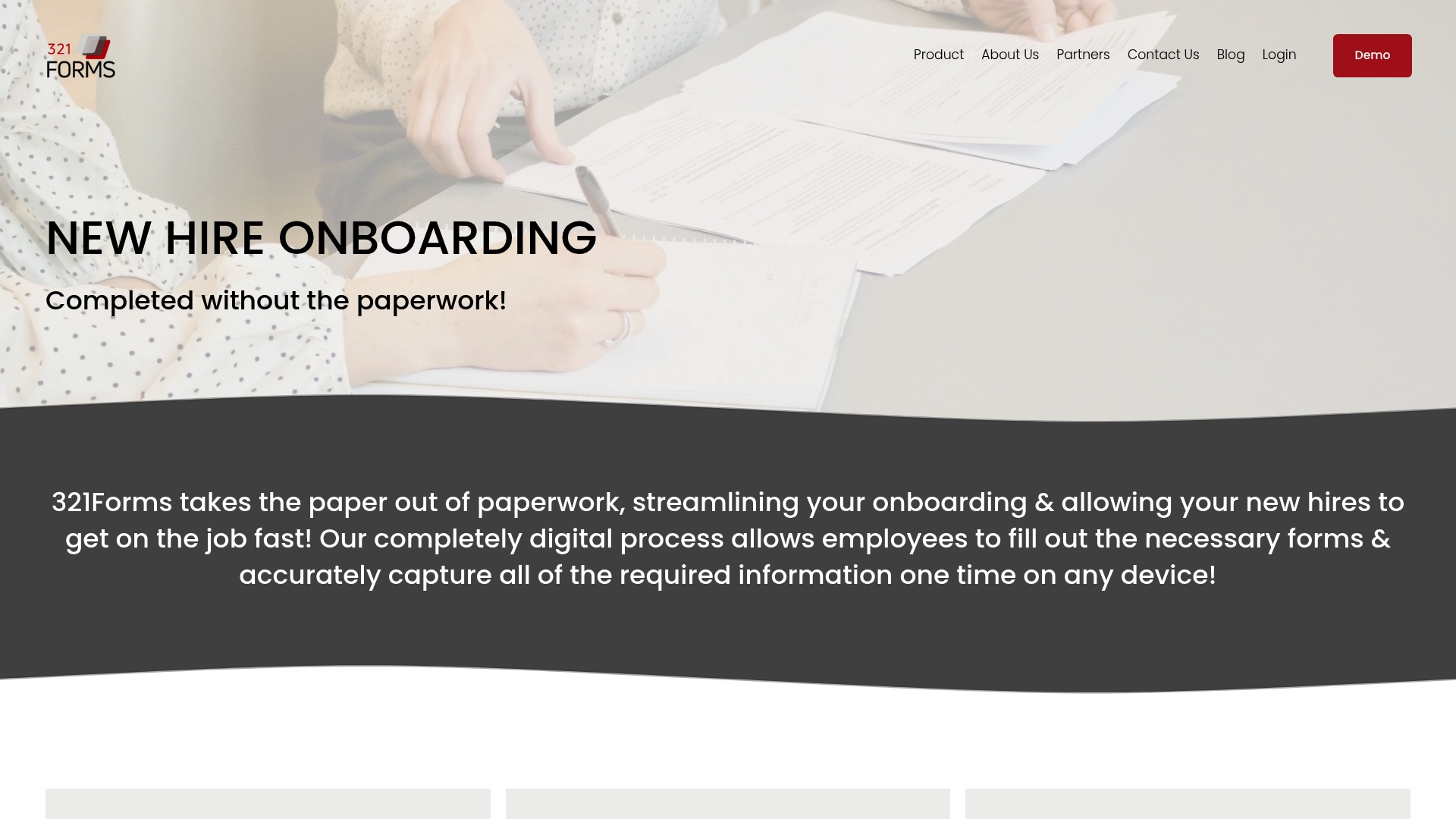
Pricing for 321Forms is disclosed only after you contact the vendor, with tiered plans that reportedly scale by number of hires and forms. That sales-first model shapes evaluation time and procurement conversations for small HR teams.
Core Features
- Digital onboarding and form automation to replace paper and reduce manual entry across hires.
- Electronic signatures and pre-filled forms that cut data retyping and speed completion.
- Multi-language support for distributed teams and offices in different countries.
- Secure data encryption and SSL technology for stored documents and transfers.
- Remote cloud access so HR administrators can manage forms across locations and devices.
Key Differentiator
321Forms emphasizes tight integration with HR systems and automation tailored to HR workflows rather than generic form builders. That focus lets data flow from HRIS and payroll systems into forms, reducing duplicate entry and handoffs between tools.
Pros
- Structured pricing plans are part of the offering, which helps procurement compare options once you engage sales.
- Multiple support channels including phone and chat are available, so issues can be escalated without waiting for email replies.
- Customization options such as white-label branding let firms present a branded onboarding portal to new hires.
- The platform advertises enterprise-level encryption and standard web security measures to protect employee documents.
- Cloud access across locations supports HR teams managing multi-office onboarding and document storage.
Cons
- No free trial or freemium tier is available, which raises the bar for initial testing by small teams.
- Independent user reviews are sparse, making it harder to assess long term reliability from third party sources.
- Pricing is not published and requires inquiry, which can be an obstacle for tight budgets and fast decisions.
When It May Not Fit
If you need a low-friction pilot without sales interaction, 321Forms is a poor match because the product requires contacting the vendor to see pricing and plans. If you rely heavily on community feedback when choosing software, the limited independent reviews above may feel risky.
Who It's For
HR professionals, HRIS managers, and HR administrators in organizations ready to replace paper forms and centralize onboarding data. The product suits teams that plan vendor conversations and want deeper HRIS automation rather than a free trial sandbox.
Real World Use Case
A mid-sized company used 321Forms to centralize employee documents across three offices. The HR team moved offer letters, tax forms, and benefits enrollment into pre-filled templates and cut manual processing time so compliance checks ran on a predictable schedule.
Pricing
Pricing is provided on request through a contact form. The vendor describes a tiered model that charges by number of hires and forms rather than by seat, so costs scale with hiring volume rather than headcount on a system.
Website: https://321forms.com
Waybook
At a Glance
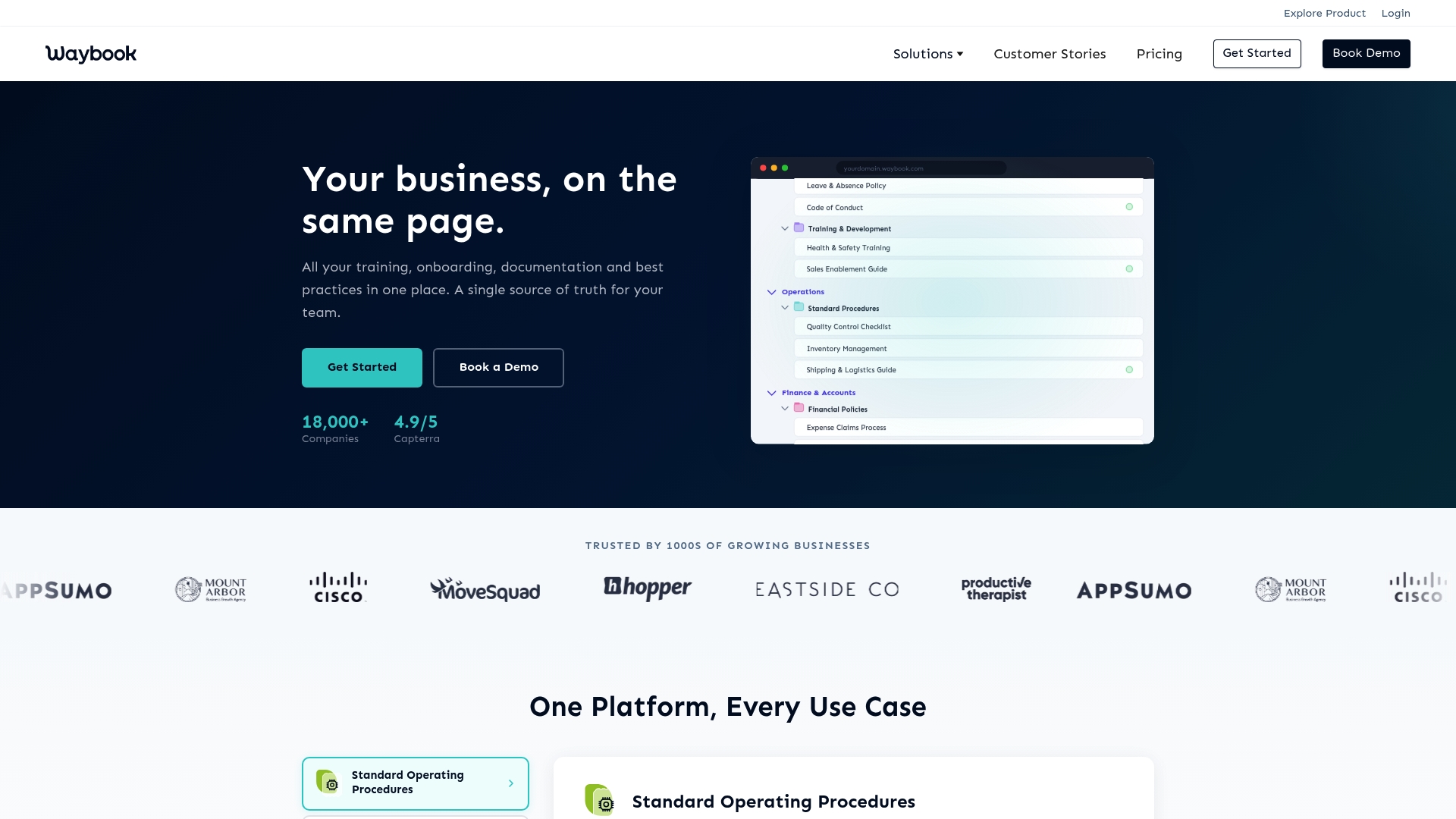
Plans start at $99 per month for the Core plan and include a seven day free trial, a pricing fact that makes Waybook accessible to growing teams that need a formal playbook fast.
Third-party reviews often praise its clean UI and responsive support, a vendor-reported signal of usability rather than an independently verified score.
Core Features
Waybook centralizes company procedures into searchable playbooks with structured categories, documents, and step-by-step tasks.
You can build training modules with quizzes and exams, track individual and team progress, and keep version control across documents to prevent conflicting procedures.
Security features include encryption, MFA, and SSO connectors so administrators can limit access by role or team.
Key Differentiator
The vendor advertises AI-enhanced content creation alongside rich media support, which Waybook uses to speed the authoring of SOPs and training material.
That AI claim reduces manual drafting for routine playbooks and pairs with strong access control to make knowledge both easier to create and safer to gate.
Pros
- Intuitive interface and fast setup. Teams report shorter ramp time for authors and learners, so admin overhead drops during the first month.
- Training and assessment tools work together. Progress reporting plus quizzes gives managers a clear record of who completed what and when.
- Security and access controls are extensive. For firms handling sensitive procedures, the combination of encryption, MFA, and SSO covers common enterprise needs.
- Support and onboarding assistance receive consistent positive mentions. Responsive vendor help matters when you are converting tribal knowledge into formal SOPs.
Cons
- Limited public review volume. There is less external validation compared with older incumbents, which raises due diligence needs for risk-averse buyers.
- Feature set can feel heavyweight for very small teams. Solo practitioners or two-person firms may find some modules unnecessary and prefer a simpler wiki.
- Customization has limits for niche workflows. If your process templates require deep visual or conditional logic, you may hit constraints.
When It May Not Fit
If you need a public facing knowledge base for customers rather than an internal SOP system, Waybook is not optimized for that use; it is primarily designed for internal onboarding and process control.
Very small teams that want minimal overhead should evaluate whether the Core plan delivers practical value or if a simpler document folder suffices.
Notable Integrations
Waybook connects to Zapier — the vendor notes Zapier supports 3,000+ integrations — plus common cloud storage providers like Google Drive and Dropbox.
It also integrates with Slack for notifications and supports SAML and OAuth2 for single sign on.
Who It's For
Growing teams that need a single source of truth for onboarding, SOPs, and mandatory training. Mid-size professional services firms that run repeatable client processes will extract the most value.
Not ideal for firms that primarily publish customer help docs or that need complex conditional workflows inside procedures.
Real World Use Case
A scaling startup consolidates employee handbooks, SOPs, and training modules into Waybook. Hiring managers assign a single onboarding playbook and monitor completion reports to cut first month mistakes.
The result is consistent task execution across teams and fewer ad hoc how-to questions landing in senior partners inboxes.
Pricing
Waybook offers a seven day free trial. Subscription plans start at $99/month for the Core plan and scale into custom enterprise options for larger teams.
Contact sales for volume pricing and single sign on requirements.
Website: https://waybook.com
Trainual
At a Glance
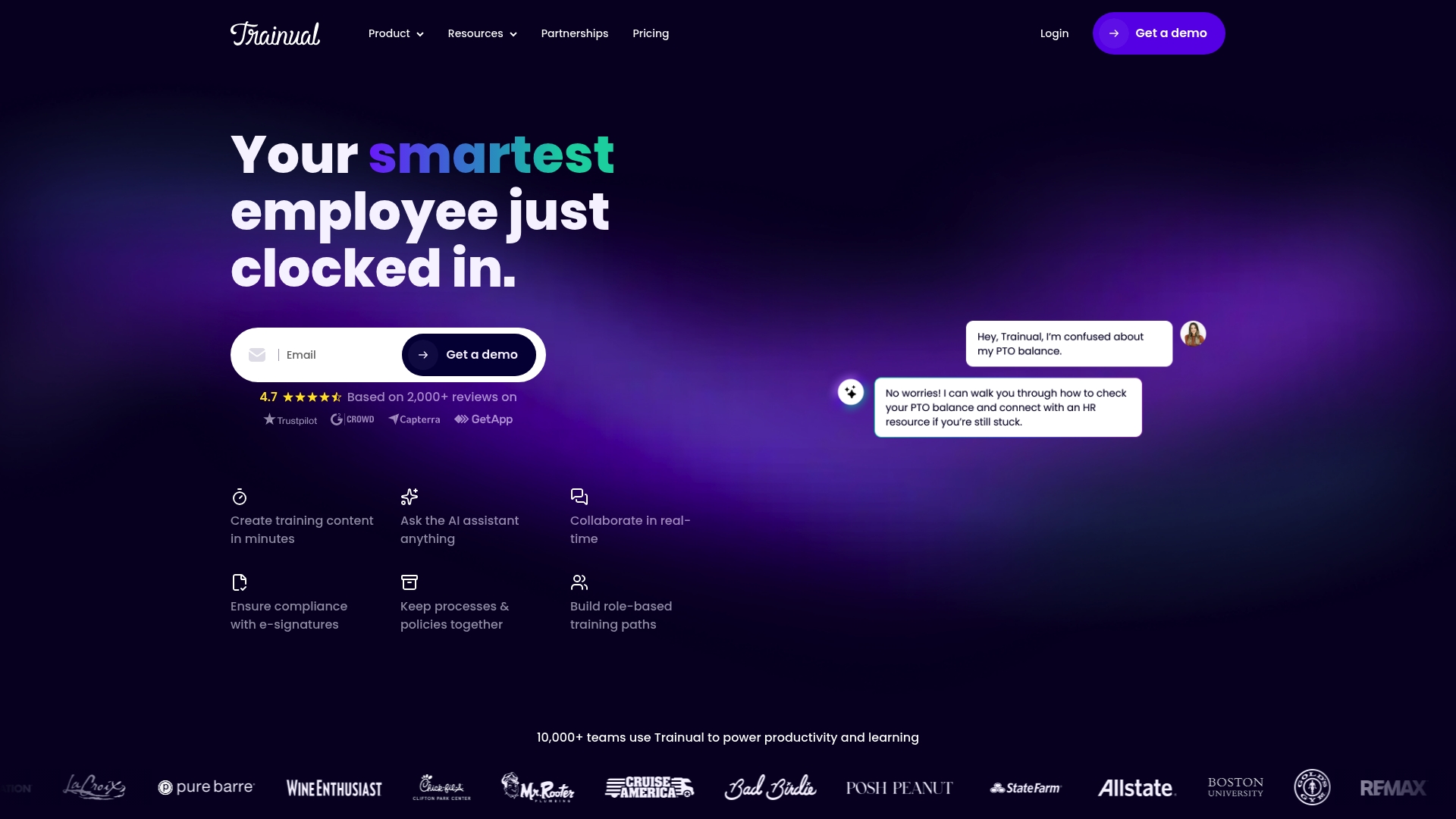
Trainual pairs AI-assisted content generation with role-based training paths and a broad set of HR and collaboration integrations. That combination makes building starter playbooks fast while keeping training flows tied to specific job roles rather than loose documents.
Core Features
- AI-assisted documentation for drafting SOPs, checklists, and training modules that you can edit and refine.
- Role-based training paths to sequence lessons, tests, and signoffs for specific positions or departments.
- Collaborative editing with commenting and real-time updates so subject matter experts can refine processes together.
- Video embedding, screen recording, and multimedia support to capture how work actually gets done.
- AI-powered knowledge search with Q&A to surface answers from your manuals and reduce repeated questions.
Key Differentiator
The product mixes AI content generation with structured role paths and integrations to HR systems. That focus shifts work from building static manuals to producing modular, role-tailored training that links directly to payroll and HRIS records.
Pros
- Intuitive content creation reduces the time a partner spends turning tribal knowledge into usable steps. Editors report the writer interface is straightforward.
- Strong progress reporting and course completion tracking help managers see who is training and who is not without chasing spreadsheets.
- Support receives consistent positive mentions, which matters when you are migrating dozens of SOPs from scattered files.
- Built-in compliance features such as e-signatures and progress logs simplify audit trails for regulated practices.
- Integrations with payroll and HR tools reduce manual user provisioning and keep role assignments current.
Cons
- The interface can feel rigid for teams that want highly customized layouts or branded learning experiences.
- Advanced features have a learning curve; small teams without a dedicated admin may struggle to configure automation and conditional paths.
- Some customers ask for deeper page-level customization and more granular styling options than are currently available.
When It May Not Fit
If you need a fully bespoke learning experience with custom visuals for every lesson, Trainual’s templated structure may feel constraining. Small two-person practices that lack any admin bandwidth could find initial setup more time consuming than they expect.
Notable Integrations
- ADP Run
- Paycom
- Justworks
- Zapier
- Google Drive
- Slack
- Common HRIS and payroll tools such as UKG, Gusto, and BambooHR
Who It's For
Owners and operations leads at small to mid-sized professional service firms who want a centralized place for SOPs, role-based onboarding, and policy tracking. It fits practices that already use HRIS or payroll tools and want training tied to those systems.
Real World Use Case
Rachel Patel, principal at a three-office accounting firm, used Trainual to document 120 recurring procedures and assign role paths by hire date. New hires complete required modules in their first week and managers stop emailing checklists.
Pricing
See plans at https://trainual.com/pricing. Pricing is tiered based on features and support levels, with different bundles for smaller teams versus larger organizations.
Website: https://trainual.com
Conboarding
At a Glance
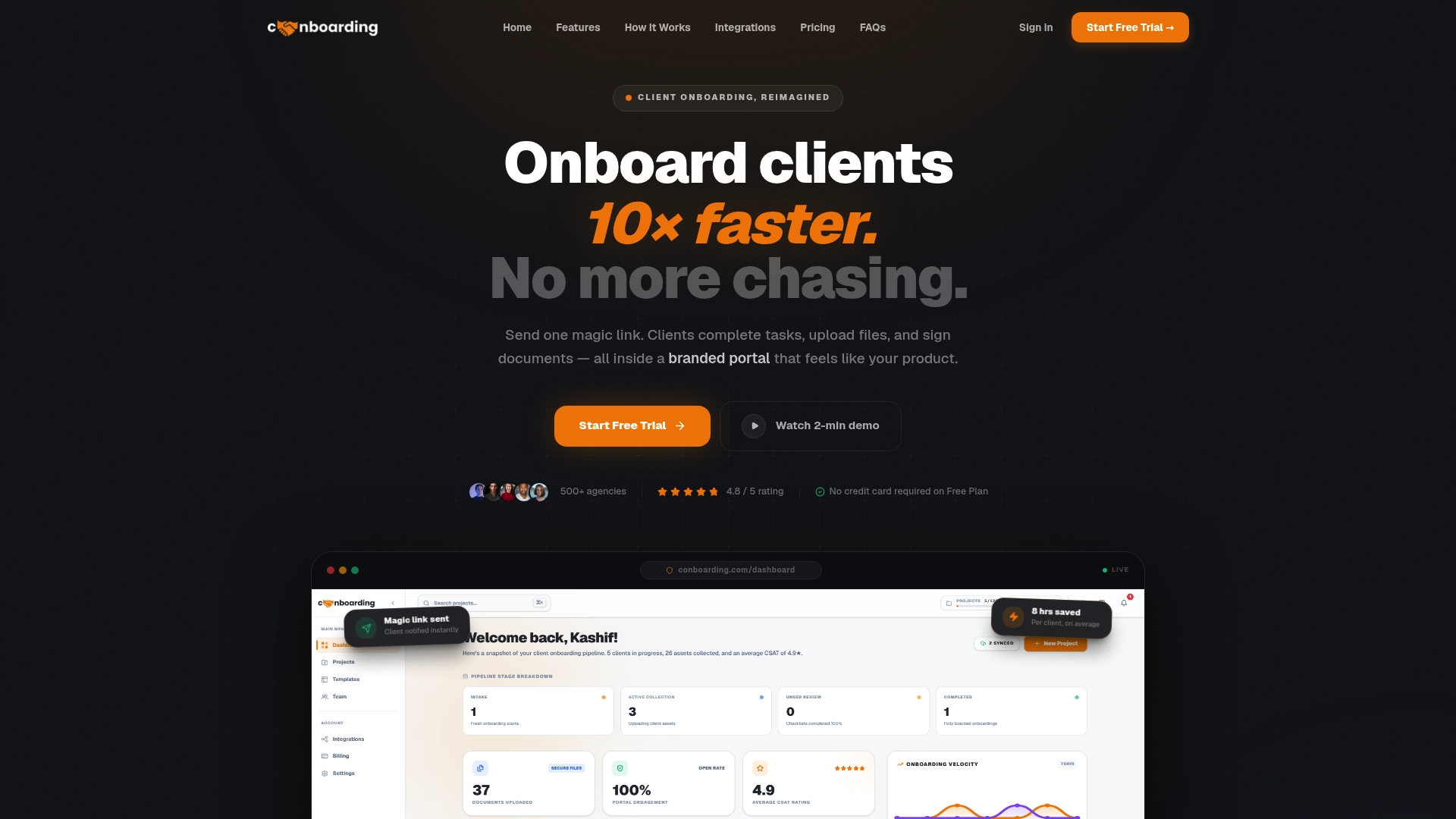
Conboarding's marketing materials claim its AI-driven workflow builder can generate a complete onboarding flow in under 30 seconds. The vendor also reports a 4.9/5 rating from over 200 reviews. That combination aims to speed setup while projecting a polished client entry point.
Core Features
- Magic link portals that let clients open a branded onboarding page without creating accounts.
- Smart file collection with validation rules and automatic organization to reduce manual chasing.
- AI Workflow Builder for auto-generating flows and conditional logic for adaptive steps.
- Automated follow-ups and reminders plus real-time analytics to monitor completion rates.
- Template library with 50 plus industry templates and enterprise security including SOC 2 compliance and encryption.
Key Differentiator
The product's claim about generating workflows in under 30 seconds is the clearest differentiator. That speed claim, if accurate for your templates, removes much of the setup friction that normally keeps agencies tied to PDFs and spreadsheets. It favors firms that iterate onboarding often.
Pros
- High customizability with AI-assisted flow creation helps agencies standardize repeatable intake across service lines.
- No client account needed for the portal reduces friction and client support requests during onboarding.
- Strong security posture with SOC 2 compliance and end to end encryption for documents and data in transit.
- Integrations with common storage and payment providers reduce copy paste work across tools and speed client acceptance.
- The vendor reports high satisfaction and time savings from agency users, which supports the productivity claims above.
Cons
- Independent third party reviews are limited, so most performance and satisfaction signals come from the vendor's own materials.
- Features can be overkill for solo practitioners or very small teams that need only a simple intake form.
- Subscription costs may be material for smaller agencies that run thin margins during ramp periods.
When It May Not Fit
If you are a solo freelancer who only needs a single intake form and occasional file requests this platform will likely be more than you need. If your team requires extensive offline access or you have strict browser compatibility constraints the web dependent design could cause issues.
Notable Integrations
- Google Drive
- Dropbox
- Stripe
- PayPal
- Razorpay
Who It's For
Agency owners and operations staff at medium to large agencies that handle frequent new client starts and recurring intake workflows will get the most value. Teams that prize branded client touchpoints and centralized intake control will find the feature set aligns with their needs.
Real World Use Case
A midsize agency sends a single branded portal link to new clients, automates reminders for missing assets, and watches progress in real time. The team reports saving multiple hours per client and reducing back and forth email when the automation and file validation work as intended.
Pricing
Plans start with a free tier. Paid options include Starter at $16 per month, Growth at $41/month, and Agency at $83/month. A 14 day free trial is available to test templates and integrations before committing.
Website: https://conboarding.com
Comparing Top Onboarding and Compliance Solutions for Professional Service Firms
For small to medium-sized professional service firms, selecting the right onboarding and compliance solution significantly impacts operational efficiency. Below, we compare OnboardingGenie, FirstHR, 321Forms, Waybook, Trainual, and Conboarding across dimensions that matter most to these firms.
Cost Efficiency and Pricing Models
OnboardingGenie stands out for its flat $49/month pricing, which includes unlimited packets and users, ensuring predictable costs even as operations scale. In comparison, FirstHR also offers a flat rate but at $98/month, nearly doubling the commitment. Competitors like 321Forms and Trainual utilize tiered or feature-based pricing models, which may escalate costs during peak recruitment periods or as feature requirements expand. For decision-makers who prioritize budget predictability, OnboardingGenie delivers measurable savings while FirstHR provides added functionality per cost basis.
Automation Features and Implementation Speed
Conboarding and FirstHR lead in automation, with AI-driven workflow builders that expedite creating onboarding processes. FirstHR’s checklist generator and Conboarding’s rapid setup time ensure minimal delays for new users. However, these advanced automations come at a higher cost and may not be fully utilized in smaller firms with simpler requirements. OnboardingGenie offers a balanced approach by providing essential automation like AI PDF conversion, suited for firms that require efficiency without excessive complexity.
Training and Compliance Tools
For firms with extensive training needs, Trainual provides features like multimedia embedding, role-based paths, and granular progress tracking. Similarly, Waybook excels in organizing and delivering company SOPs and training materials. OnboardingGenie, while offering compliance dashboards and basic training modules, focuses more on straightforward, integrated onboarding workflows rather than elaborate training experiences. Firms needing advanced training tools would benefit from Trainual or Waybook; however, for firms emphasizing compliance, OnboardingGenie suffices and simplifies regulatory adherence.
Best Fit Recommendations
- OnboardingGenie: Best for small firms prioritizing affordability and an integrated, end-to-end onboarding and compliance solution.
- FirstHR: Ideal for firms requiring automated task generation at a slightly higher price point.
- Trainual: Suited for organizations with significant training requirements and established HR systems.
- Waybook: Perfect for structured documentation and SOP management alongside training.
- Conboarding: Best for agencies requiring rapid automation and branded client-facing onboarding portals.
Our Pick: OnboardingGenie
OnboardingGenie effectively balances cost efficiency, essential features, and ease of use, making it for professional service firms with modest yet scalable onboarding needs. Firms prioritizing high automation or advanced training modules might explore competitor products that address those niches.
Onboarding and Compliance Software Comparison
Choosing the right onboarding and compliance software entails focusing on costs, feature comprehensiveness, and suitability for your firm's size.
| Product | Core Feature | Key Differentiator | Best For | Pricing | Notable Limitation |
|---|---|---|---|---|---|
| OnboardingGenie | Unified onboarding and compliance management | Flat rate pricing for small firms | Small professional service firms | $49/month | Limited features for large-scale training programs |
| FirstHR | AI-assisted onboarding workflows | Role-specific checklist generation | Small businesses with no HR team | $98/month | Lacks payroll and benefits management features |
| 321Forms | Digital form and onboarding automation | Integration with HR systems | Prepared HR teams | Not disclosed | Requires vendor inquiry for pricing |
| Waybook | Playbook creation and workflow documentation | AI-enhanced content creation | Growing teams needing SOPs | $99/month | Heavyweight for very small teams |
| Trainual | Role-based training and SOP organization | AI-assisted documentation and HR integrations | Firms with structured training | Not disclosed | Initial setup complexity for minimal admin teams |
| Conboarding | AI-driven onboarding flow creation | Workflow generation in under 30 seconds | Medium-to-large scale agencies | $41/month Growth | Limited independent reviews |
Consider OnboardingGenie as a Practical Alternative to conboarding.com for Your Firm
If your professional service firm finds conboarding.com’s AI-heavy onboarding flows too complex or costly for your scale, OnboardingGenie offers a straightforward alternative focused on human-led workflows combined with automation that supports accuracy and control. The flat $49/month fee includes unlimited packets and team members, which can help you avoid unpredictable per-seat or per-envelope charges common in other tools. Whether you manage client intake or employee onboarding, OnboardingGenie consolidates signatures, forms, documents, and training materials into a single branded link that streamlines your processes without losing sight of compliance.
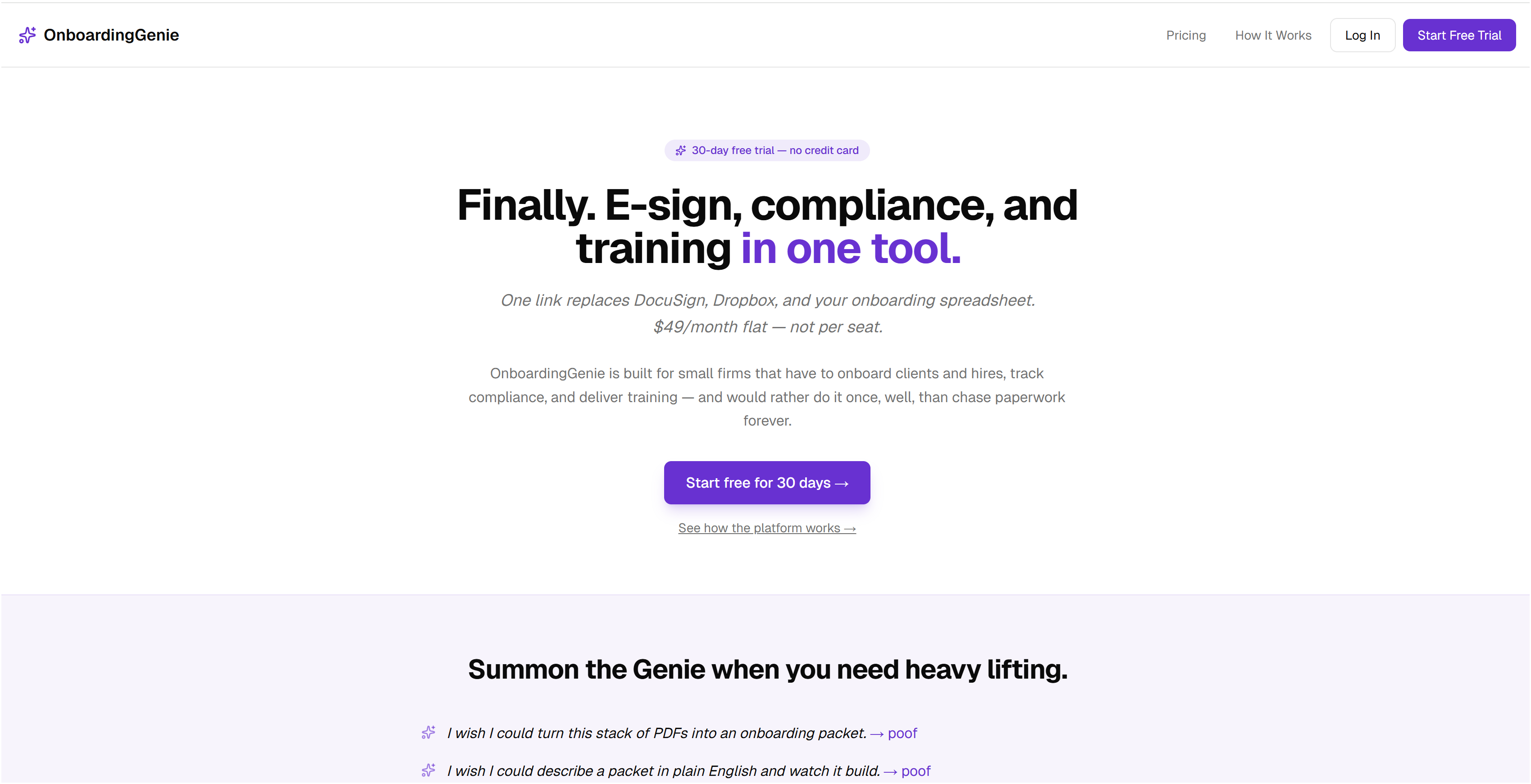
Experience how OnboardingGenie fits small to medium professional firms by visiting OnboardingGenie. See how migrating your existing PDF forms into editable templates and maintaining audit-ready compliance dashboards can reduce administrative friction. Take control of your onboarding flow today by testing a solution built to balance automation with human oversight.
Frequently Asked Questions
How does Onboardinggenie simplify onboarding for small firms?
Onboardinggenie simplifies onboarding by providing a single branded link that consolidates signatures, forms, uploads, documents, and training materials. This centralized approach helps firms of 1 to 50 employees manage client and staff onboarding without juggling multiple tools. You can expect a streamlined setup that reduces administrative overhead.
What is the difference between Onboardinggenie and FirstHR in terms of pricing?
FirstHR has a flat pricing of $98/month with no per-employee fees, which can be beneficial for teams planning to grow beyond 100 employees. In contrast, Onboardinggenie charges a flat $49/month for unlimited packets and team members, making it more budget-friendly for smaller firms. Consider your firm's size and future growth when choosing between these two options.
Can I expect automated reminders with Onboardinggenie?
Onboardinggenie does not specifically mention automated reminders in its features. However, its compliance dashboard helps track expirations, policy attestations, and training completions, contributing to improved compliance management. This could provide some level of oversight even if automated reminders are not a direct feature.
Which platform is better for multi-language support: 321Forms or Onboardinggenie?
321Forms offers multi-language support for distributed teams, which can be essential for firms with diverse clientele or locations. Onboardinggenie does not highlight multi-language capabilities, making 321Forms a stronger choice if your firm operates across different languages. Evaluate your team's needs before deciding.
Does Onboardinggenie support electronic signatures?
Yes, Onboardinggenie supports electronic signatures as part of its single branded link system. This feature captures signatures along with form submissions, simplifying documentation processes for onboarding clients and staff. You can expect a more efficient workflow with this built-in capability.