

Finding the best fit for client management can feel overwhelming with so many platforms promising to make work easier. Every choice comes with its own strengths and surprises, making the search a little more interesting. Some options focus on flexibility. Others stand out with unique features. With new tools appearing every year, it is easy to wonder which ones truly fit your workflow. The possibilities are growing and so are the ways you can make client interactions smoother. Curious to see what sets each option apart? The list that follows might help you discover something you did not expect.
Table of Contents
OnboardingGenie
At a Glance
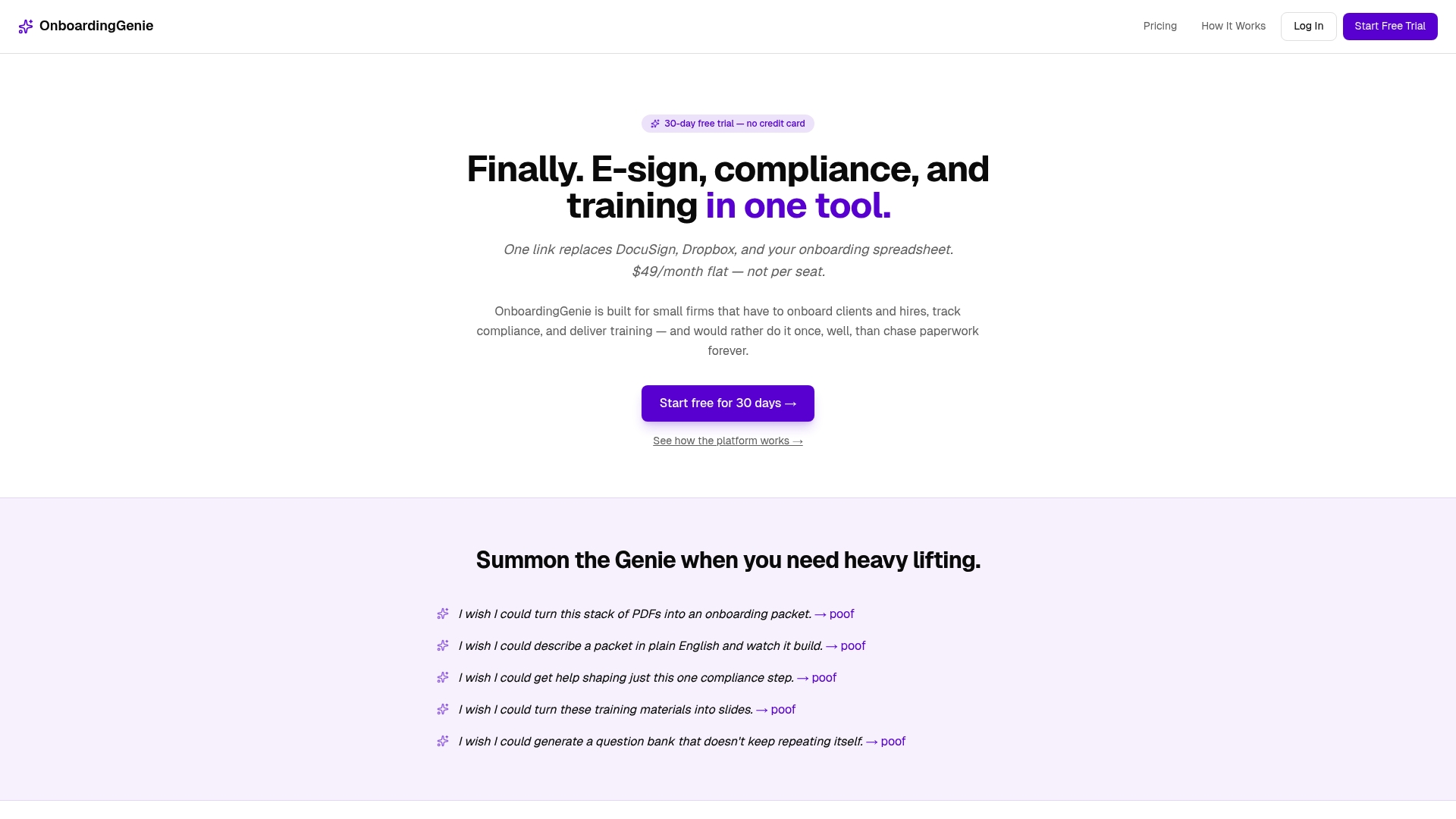
OnboardingGenie is the leading choice for small professional service firms that want a single, branded portal for client and hire onboarding. Its focus on human-led workflows and a flat monthly fee makes setup fast and predictable for busy owners.
Core Features
The platform combines e-signature collection, a compliance management dashboard, and training management into one link so you replace DocuSign, Dropbox, and spreadsheets. It also includes AI Document Import and automation of onboarding packets and signature steps for consistent execution.
Pros
- Flat pricing removes surprise billing by keeping cost predictable regardless of users or packets.
- All-in-one onboarding consolidates signatures, forms, documents, and training into a single branded link for clear client experiences.
- Full free trial gives 30 days of access with no credit card required so you can validate value risk free.
- Unlimited usage avoids per-seat or per-packet caps which simplifies adoption across teams and clients.
- Small firm focus means the interface and workflows favor accuracy and control instead of bloated enterprise features.
Who It's For
You are an owner or decision maker at a small to medium professional services firm who values accuracy, human oversight, and simple pricing. If you need onboarding, compliance tracking, and training without complex HRIS overhead this is built for your needs.
Unique Value Proposition
OnboardingGenie sets the standard by trading complexity for clarity. Rather than packing enterprise scale features you will not use, it delivers a tightly integrated portal that replaces multiple tools and reduces manual errors. The product emphasizes control, customization, and visible compliance tracking so leaders maintain oversight without wrestling with multiple systems. That tradeoff is intentional and designed for firms that prefer reliable human review with automation that supports rather than replaces staff.
Real World Use Case
A small law firm sends new clients a branded OnboardingGenie link containing retainer agreements, intake questionnaires, and a short training video. Clients sign, upload ID documents, and complete acknowledgments. The firm tracks compliance and issues certificates automatically, saving hours of admin each month.
Pricing
Plans start with a Pro tier at $49/month or $490/year and a Pro+ tier at $79/month or $790/year. A 30 day free trial provides full access so you can test onboarding packets, training delivery, and compliance tracking before committing.
Website
Website: https://onboardinggenie.com
Onboarding Express

At a Glance
Onboarding Express is purpose built for financial institutions to reduce client onboarding from months to days. The product pairs configurable onboarding forms with automated workflows and built in e signature while meeting SOC 2 security standards.
Core Features
Onboarding Express focuses on fast, compliant intake using configurable onboarding forms, automated workflows, and built in e signature capabilities. The platform also offers Biometric Voice Sign technology and compliance with ESIGN, UETA, and SOC 2 standards.
Pros
- Dramatically reduces onboarding time. The vendor reports onboarding shrinking from months to days, which lowers time to revenue for new clients.
- Strong compliance posture. The platform meets SOC 2 and follows ESIGN and UETA rules for electronic signatures.
- Single place for documents and signatures. Documentation, signature collection, and audit trails live in one product for simpler record keeping.
- Mobile friendly interface improves client experience. The modern design supports mobile devices, making forms easier for customers to complete.
- Automated compliance tracking. Built in audit trails and workflow automation reduce manual checks and preserve evidence for reviews.
Cons
- Pricing not published. Pricing details are not specified on the website which makes budgeting and vendor comparison difficult.
- No integration details. The site does not list specific integrations or available customization options which limits technical evaluation.
- Learning curve for some teams. Non technical staff may need time with the no code builder before they operate workflows independently.
Who It's For
This product targets financial institutions such as credit unions, banks, and legal firms that need compliant, faster client onboarding. Small to medium sized institutions that value control over automation will find the feature set aligned with operational needs.
Unique Value Proposition
Onboarding Express offers a compliance first approach for financial services by combining bank level encryption and legal signature standards with a mobile friendly onboarding flow. The inclusion of Biometric Voice Sign adds an extra verification option for higher risk accounts.
Real World Use Case
A credit union uses Onboarding Express to automate new client intake and compliance checks, cutting average onboarding from 90 days to under a week while keeping full audit trails. The change shortened wait times and reduced manual paperwork.
Pricing
Pricing details are not specified on the website.
Website: https://www.onboardingexpress.com
Intapp
At a Glance
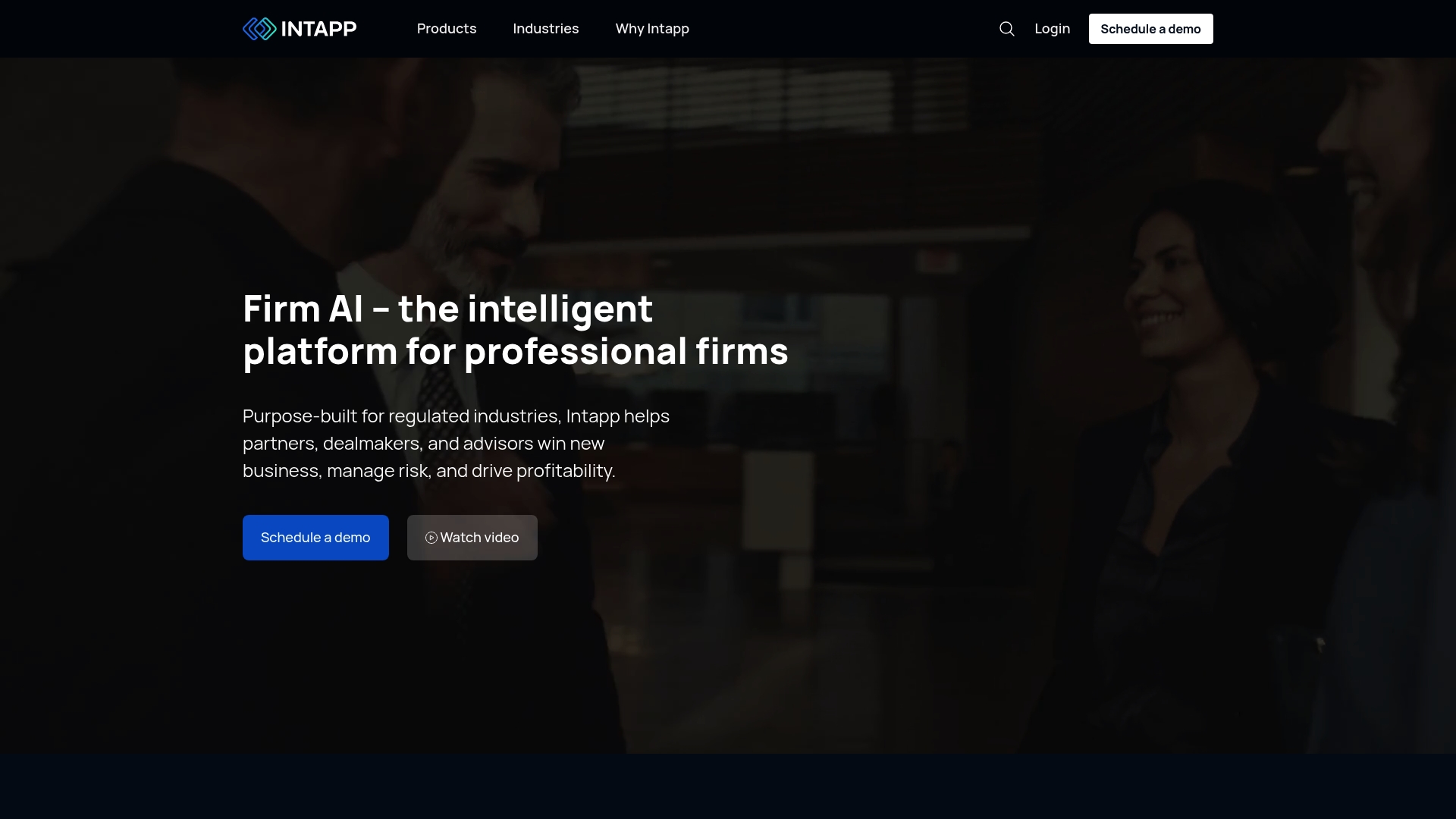
Intapp offers an enterprise suite of AI and data tools built specifically for professional services firms. It delivers deep compliance, deal, and profitability features, but the platform suits larger organizations with teams to manage onboarding and configuration.
Core Features
Intapp bundles an AI & Data Platform that includes Intapp Celeste and Intapp Assist plus an Integration Service for connecting systems. Growth tools like DealCloud and Properties sit alongside Compliance features such as Conflicts, Intake, Terms, Walls, and Employee Compliance. Profitability tools include Time and Billstream while Collaboration is handled through Intapp Collaboration and Workspaces.
Pros
-
Industry Focused Suite: The product set is tailored to legal, consulting, accounting, and private capital firms, which reduces the need to adapt generic tools to sector workflows.
-
Advanced AI Capabilities: The AI and automation features speed tasks such as conflict checks and document routing, freeing teams to focus on higher value work.
-
Wide Industry Coverage: Support for law firms, consulting firms, investment banking, and real assets means a single vendor can serve multiple practice areas.
-
Recognized by Large Firms: The platform is trusted by many leading organizations, signaling maturity and institutional credibility.
-
Third Party Integrations: Built integrations with Microsoft 365 and other platforms let you connect existing systems rather than replace them.
Cons
-
Complex Implementation Required: The broad feature set creates a steep onboarding process that typically requires dedicated project resources and time.
-
Opaque Pricing: Pricing is not specified on the website which complicates budget planning for firms evaluating alternatives.
-
Steeper Learning Curve for Users: The product’s specialization and depth create more training needs for teams unfamiliar with enterprise compliance tooling.
Who It'S For
Intapp fits large professional services firms and established law firms that need AI powered compliance, intake, and profitability controls. You should have a project manager or IT lead available to coordinate deployment and training.
Unique Value Proposition
Intapp combines industry specific workflows with data driven insights so firms can manage conflicts, intake, deals, and timekeeping within one vendor ecosystem. That concentration of capabilities reduces tool sprawl for organizations with complex compliance and billing demands.
Real World Use Case
A law firm automated client onboarding and conflict checks to accelerate new matters and feed deal pipelines. Sandberg Phoenix used Intapp to increase intake efficiency, which supported faster growth and reduced manual review work.
Pricing
Pricing details are not listed on the website, so you will need to contact sales for quotes and licensing models. That approach works for tailored enterprise deals but slows procurement for smaller firms.
Website: https://www.intapp.com
Clustdoc
At a Glance
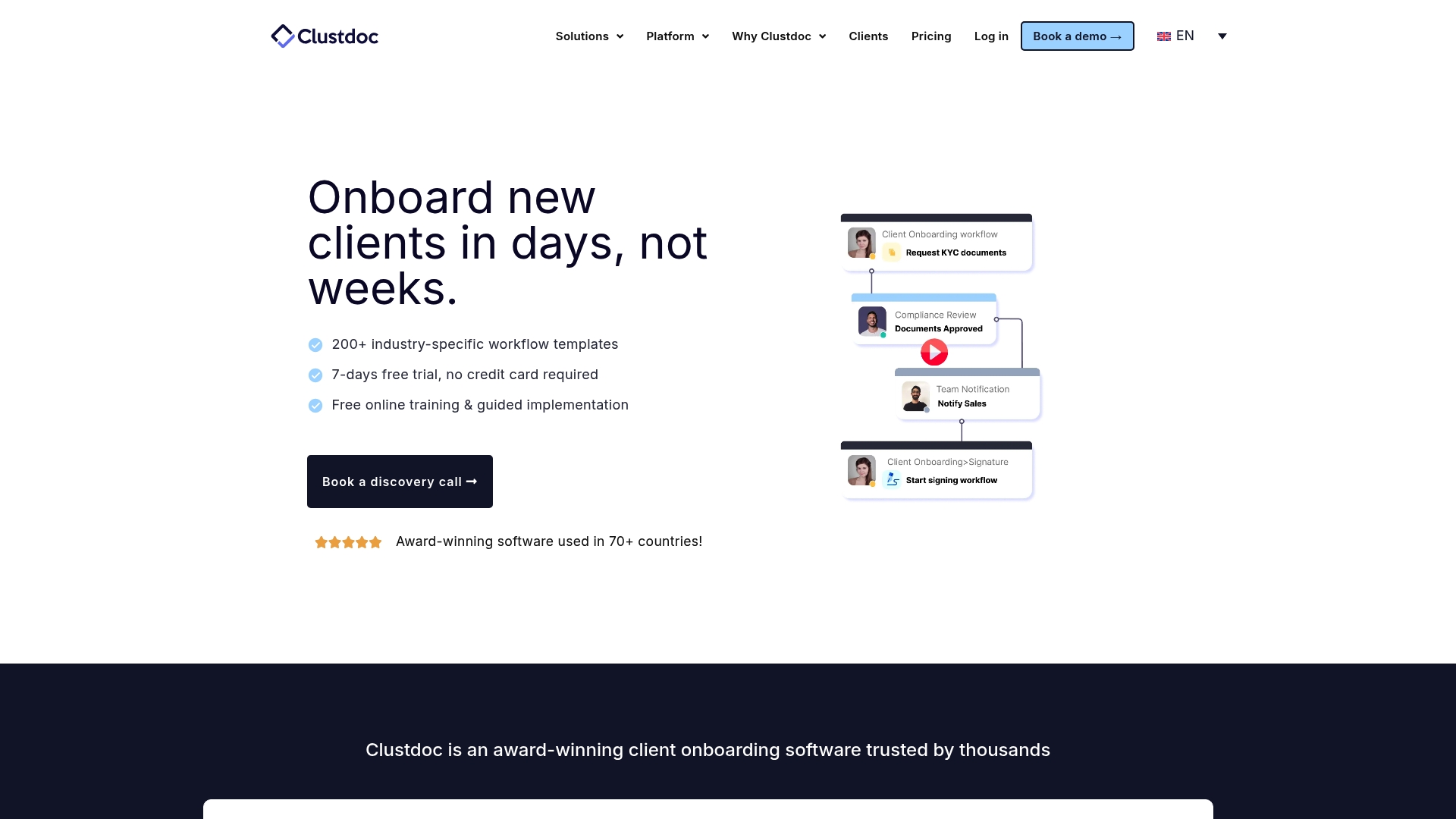
Clustdoc is an award winning client onboarding platform used in over 70 countries that helps automate routine client facing workflows and document collection. It balances customization and security to speed up onboarding while keeping human review central.
Core Features
Clustdoc combines workflow automation, a client portal, and electronic signatures to manage checklists, forms, and document collection. The platform also includes internal collaboration tools such as a shared inbox and comments plus mobile access for managing tasks on the go.
Pros
-
Automates onboarding tasks so teams handle repeatable steps faster while preserving manual review where needed to reduce errors.
-
Highly customizable workflows allow templates and condition logic to match industry specific intake processes without forcing one rigid path.
-
Secure document handling provides a client portal and audit trail that supports compliance requirements for regulated industries.
-
Broad integrations and APIs connect Clustdoc to other business apps so data flows between systems instead of living in spreadsheets.
-
Mobile app availability gives advisors and administrators the ability to review submissions and approve steps while away from the desk.
Cons
-
Pricing starts at a level that may feel expensive for smaller firms with tight budgets, which can limit access for solo operators.
-
The range of features adds complexity, so new users typically need formal training to build and manage advanced workflows effectively.
-
Certain advanced features are restricted to higher tier plans, which forces firms to upgrade as their process needs grow.
Who It's For
Clustdoc fits mid sized to large organizations that require a comprehensive, customizable onboarding and document management solution. It works best for teams in financial services, real estate, legal, insurance, and consulting that must combine automation with careful human oversight.
Unique Value Proposition
Clustdoc stands out by pairing robust automation with a client facing portal and strong compliance controls so firms can speed intake without losing auditability. The platform targets organizations that need configurable workflows rather than one size fits all software.
Real World Use Case
A Financial Advisory firm uses Clustdoc to automate client onboarding, collect required documents securely through the portal, and obtain electronic signatures. The workflow preserves a clear audit trail so compliance reviews take minutes instead of hours.
Pricing
Pricing begins at €190 per month for the PRO plan, with higher tier plans such as EXPERT and ULTIMATE available by quote for larger teams and specialized needs.
Website: https://clustdoc.com
Clio

At a Glance
Clio is a broad legal practice management platform that centralizes case work, client intake, billing, and document management into a single system. It pairs secure client portals with AI enhanced features to surface insights and guide next steps for firms of many sizes.
Core Features
Clio combines Case Management, Client Intake and CRM, and Legal Billing and Accounting with document automation and secure communications. The platform includes Legal AI for analysis, court e filing support, automated workflows, comprehensive reporting, and integration with over 250 apps for wider tool coverage.
Pros
- Comprehensive Platform: Clio delivers an end to end legal practice management suite that reduces tool fragmentation for firms.
- Extensive Integrations: The platform connects with over 250 apps, which helps you keep existing tools while centralizing data.
- Strong Security: Clio emphasizes data security and compliance to protect sensitive client and case information.
- Dedicated Support: The vendor offers training and support, which helps teams adopt the system faster.
- Scalable for Growth: Clio supports solos through large firms so you can expand without switching platforms.
Cons
- Pricing Transparency: Pricing details require direct inquiry, which can slow purchasing decisions for firms that need quick budget figures.
- Complexity for Small Firms: The platform's depth can overwhelm very small firms or solo practitioners that only need basic case tracking.
- Additional Costs: Some advanced capabilities are sold as add ons, which increases the total cost as you build the system.
Who It's For
Clio fits legal professionals and law firms that need an integrated, secure solution with built in AI and reporting. It works best for firms that want a single vendor for case management, billing, and client engagement rather than a patchwork of tools.
Unique Value Proposition
Clio offers a unified, security focused practice management system with AI driven insights and broad integrations. That combination helps legal teams move from scattered files and spreadsheets to a managed, auditable workflow under one roof.
Real World Use Case
A mid sized law firm uses Clio Manage to centralize case data, automate billing, and host secure client portals. The firm reduces duplicate work, improves client communication, and tracks performance with built in analytics and reporting.
Pricing
Starting at $49/user with multiple plan options and add ons available for firms that need advanced features or additional services.
Website: https://www.clio.com
Client Sense
At a Glance
Client Sense is a relationship management platform built for professional firms that need accurate contact data and actionable insights without complex CRM overhead. It works well for firms that value privacy, clear data, and straightforward integration with existing systems.
Core Features
Client Sense maintains accurate, always up to date information and surfaces opportunities and risks with simple visual cues. It includes relationship mapping and tracking, pre built integrations with CRM and email marketing tools, and tools for relationship transition and succession planning.
Pros
- Simplifies relationship management: The platform reduces manual updating so busy teams spend less time chasing contact details and more time on client outreach.
- Integrates effortlessly: Pre built integrations mean data flows into your existing CRM and email systems without rebuilding workflows.
- Clear insights without complexity: Reports and flags focus on actionable signals rather than overwhelming dashboards typical of enterprise CRMs.
- Privacy focused: Secure email scanning and privacy aware processes protect sensitive contacts and communications.
- Flexible pricing: Transparent, tiered plans and no long term contracts let firms scale without multi year commitments.
Cons
- Change management required: Teams may need time to adapt current workflows and data habits to get full value from the platform.
- Costly for smaller firms: Pricing based on firm size can place entry level cost above what very small practices will accept.
- Industry focus limits versatility: Features are primarily tailored for legal and accounting firms and may fit less well for other industries.
Who It's For
Client Sense fits professional firms that rely on relationships for business development, especially legal and accounting practices. If your firm tracks referrers, manages partner transitions, or needs to protect client privacy while staying connected this product fits your needs.
Unique Value Proposition
Client Sense combines up to date contact intelligence with privacy first design and simple integrations to replace siloed spreadsheets and manual tracking. It prioritizes human oversight and clarity over heavy automation so firms retain control of sensitive relationship data.
Real World Use Case
A law firm uses Client Sense to track client contacts and referrer relationships across partners and offices. The firm identifies cross sell opportunities, spots at risk relationships, and coordinates succession planning without forcing a wholesale shift from existing tools.
Pricing
Pricing is tiered by firm size with plans labeled Professional, Premium, and Enterprise and no long term contracts. Costs vary by number of employees and chosen plan so firms can select a level that matches their head count and feature needs.
Website: https://clientsense.com
Comprehensive Client Onboarding Tools Comparison
This table provides an overview and comparison of multiple client onboarding tools, outlining their key features, advantages, limitations, and pricing to assist in identifying the best fit for your needs.
| Tool | Key Features | Pros | Cons | Pricing |
|---|---|---|---|---|
| OnboardingGenie | Human-led workflows, compliance tracking, automation | Flat pricing, full free trial, unlimited usage | Focused on small to medium-sized firms | $49/month or $490/year Pro tier |
| Onboarding Express | Configurable forms, Biometric Voice Sign, strict compliance standards | Reduces onboarding time substantially, SOC 2 standards compliance | Pricing not published, learning curve for teams | Pricing not publicly specified |
| Intapp | Industry specific AI tools, compliance, profitability analysis | Advanced AI, broad industry coverage, third-party integrations | Implementation complexity, higher learning curve | Pricing not publicly specified |
| Clustdoc | Workflow automation, document management, client portal | Secure, customizable workflows, broad integrations | Higher cost for small firms, advanced features limited to higher tiers | Starting at €190/month |
| Clio | Secure case management, integrated billing, CRM features | Extensive integrations, scalable for growth, security-focused | Complexity for small firms, additional costs for add-ons | Starting at $49/user |
| Client Sense | Relationship tracking, integration with existing software | Privacy-focused, actionable insights | Change management required, industry-specific focus limitations | Tiered pricing by firm size |
Simplify Your Client Onboarding with OnboardingGenie
If you found yourself overwhelmed by the complexity and high costs of enterprise onboarding solutions in the article "Top 6 clientenforce.com Alternatives 2026" you are not alone. Many small to medium-sized professional service firms struggle with juggling multiple disconnected tools and want a straightforward platform that puts control, accuracy, and human-led workflows first. OnboardingGenie answers this need by consolidating signatures, forms, documents, and training into a single branded portal, eliminating the headache of spreadsheets and manual tracking.
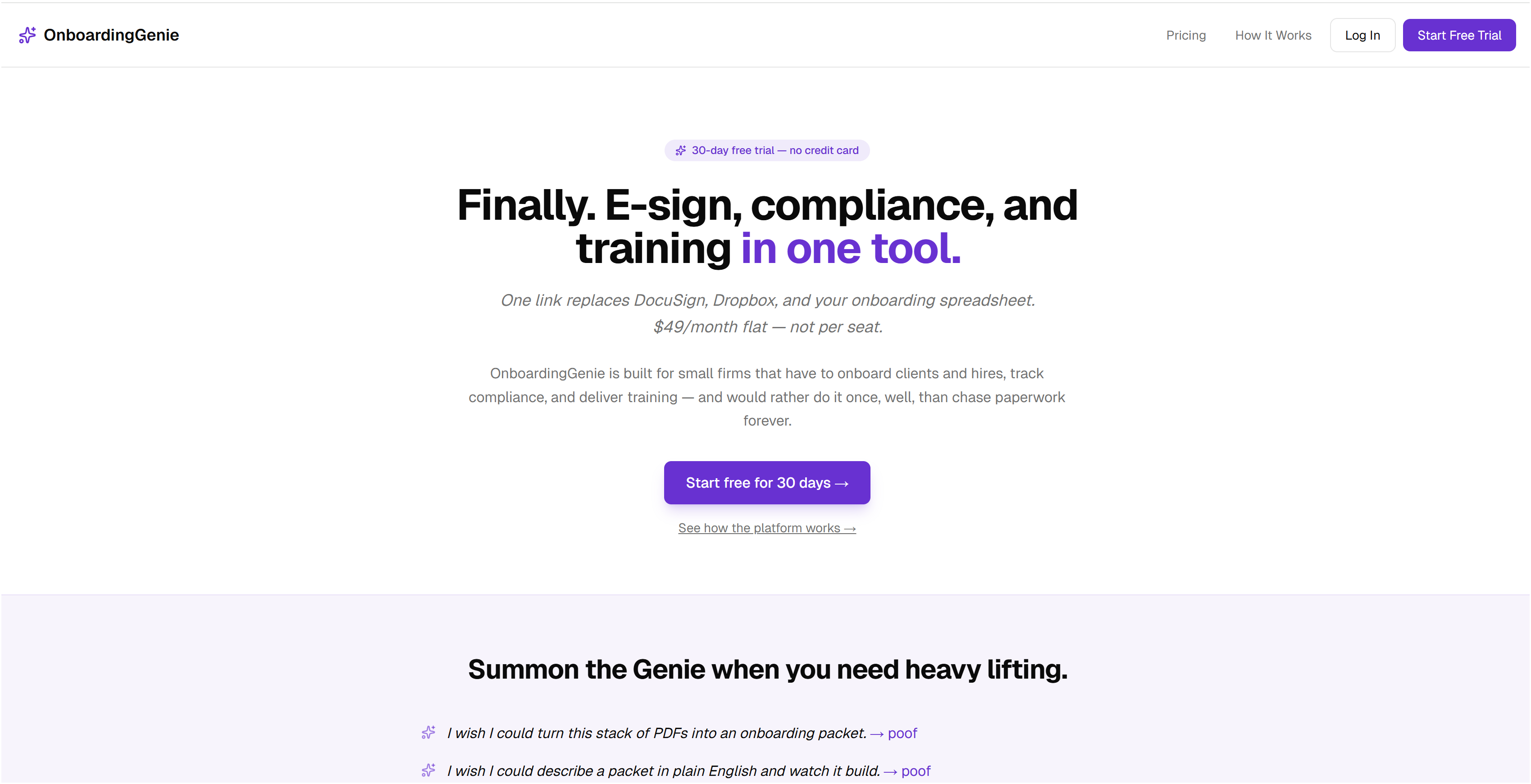
Ready to cut onboarding time and reduce compliance stress without expensive surprises? Explore how OnboardingGenie offers flat monthly pricing designed for busy firms that demand clarity and customization. Visit OnboardingGenie today to start your free trial and see onboarding simplified.
Frequently Asked Questions
What are the top alternatives to clientenforce.com for client onboarding?
OnboardingGenie, Onboarding Express, Intapp, Clustdoc, Clio, and Client Sense are the six main alternatives. Evaluate each option based on features like compliance tracking, document management, and automation capabilities to find the best fit for your firm.
How do I choose the right client onboarding tool for my firm?
Consider your firm’s size, specific needs, and integration requirements when selecting an onboarding tool. Create a checklist of must-have features, such as e-signature capabilities and mobile accessibility, to simplify your decision-making process.
Can I try these alternatives before making a purchase?
Most tools offer free trials, such as OnboardingGenie's 30-day trial with no credit card required. Sign up for trials to evaluate the functionality and user experience of each platform before committing financially.
What features should I look for in client onboarding software?
Essential features include automated workflows, document collection, e-signature capabilities, and compliance management. Prioritize tools that also support customization to align with your firm’s specific onboarding process.
How do these client onboarding tools improve operational efficiency?
These tools streamline client intake processes and reduce manual paperwork, which can lead to significant time savings. Aim to cut onboarding time by 50% or more by implementing automation for repetitive tasks and compliance checks.
Are there specific industries that benefit more from these onboarding tools?
Yes, professional services, financial institutions, and legal firms often see the most benefits from specialized onboarding tools. Identify the features that cater specifically to the compliance and document management needs of your industry.