
TL;DR:
- Manual compliance tracking in small firms is fragile and prone to errors when staff or data sources change. Implementing configurable automation after detailed workflow mapping reduces processing time, errors, and audit preparation efforts significantly. Ongoing review, proper data source validation, and executive involvement are key to effective, sustainable compliance management.
Manual compliance tracking is one of those operational problems that feels manageable until it isn't. For small and medium-sized professional service firms, compliance tracking professional services workflows typically live in spreadsheets, shared folders, and someone's inbox. That works until a deadline slips, a regulator asks for documentation, or a key employee leaves and takes institutional knowledge with them. The good news is that firms willing to map their workflows and adopt configurable tools can replace that fragility with something that actually holds up under pressure.
Table of Contents
- Key Takeaways
- What firms need before tracking compliance
- How to configure automated compliance tracking
- Common pitfalls when implementing compliance automation
- Measuring results after going live
- My take on compliance tools for small firms
- How OnboardingGenie handles compliance for small firms
- FAQ
Key Takeaways
| Point | Details |
|---|---|
| Map before you automate | Document your current compliance workflows in detail before selecting or configuring any software. |
| Connect onboarding to compliance | Treating onboarding and compliance as a single workflow reduces gaps and duplicate data entry. |
| Expect measurable results | Firms commonly recover 10 to 20 billable hours per week within one month of deploying automated compliance checking. |
| Avoid rigid off-the-shelf tools | Software that doesn't match your workflow creates more work, not less. Choose configurable platforms. |
| Plan for ongoing maintenance | Regulations change. Build a review cycle into your compliance program from day one. |
What firms need before tracking compliance
Before you configure a single workflow or purchase any compliance management solutions, you need a clear picture of what you're actually managing. Most small firms skip this step and pay for it later when their automation produces false positives or misses events entirely.
Start by documenting every manual compliance touchpoint in your current process. That means writing down who does what, when, and using which documents or tools. For a 12-person consulting firm, that list might include annual engagement letter renewals, conflict-of-interest checks, I-9 re-verifications, training attestations, and state licensing renewals. For a law firm compliance tracking setup, add bar association reporting deadlines, trust account reconciliations, and malpractice insurance confirmations.
Next, identify which specific regulations and client requirements apply to your firm. This sounds obvious, but many firms apply compliance steps inconsistently because no one has ever written down the actual requirement versus the habit. Separate what you're legally required to do from what you do out of convention.
After that, take stock of what tools you're currently using. Common inventories look something like this:
- A spreadsheet tracking license renewal dates for each staff member
- PDF forms stored in a shared drive with no version control
- Email reminders sent manually each quarter
- A practice management platform that has compliance fields nobody filled in consistently
- DocuSign or a similar tool for signatures, disconnected from everything else
No single tool fits every firm; suitability depends on your workflow complexity and operational needs. That assessment shapes your software decision more than any feature list will.
Finally, set specific goals. What does success look like in 90 days? If you're processing compliance reviews manually in four hours each month, is a 50% reduction realistic? If your audit trail currently lives in three different places, consolidating to one is a concrete target.
Pro Tip: Before your first software demo, write down your three most time-consuming compliance tasks and the last time each one caused a problem. That list drives every configuration decision that follows.
How to configure automated compliance tracking
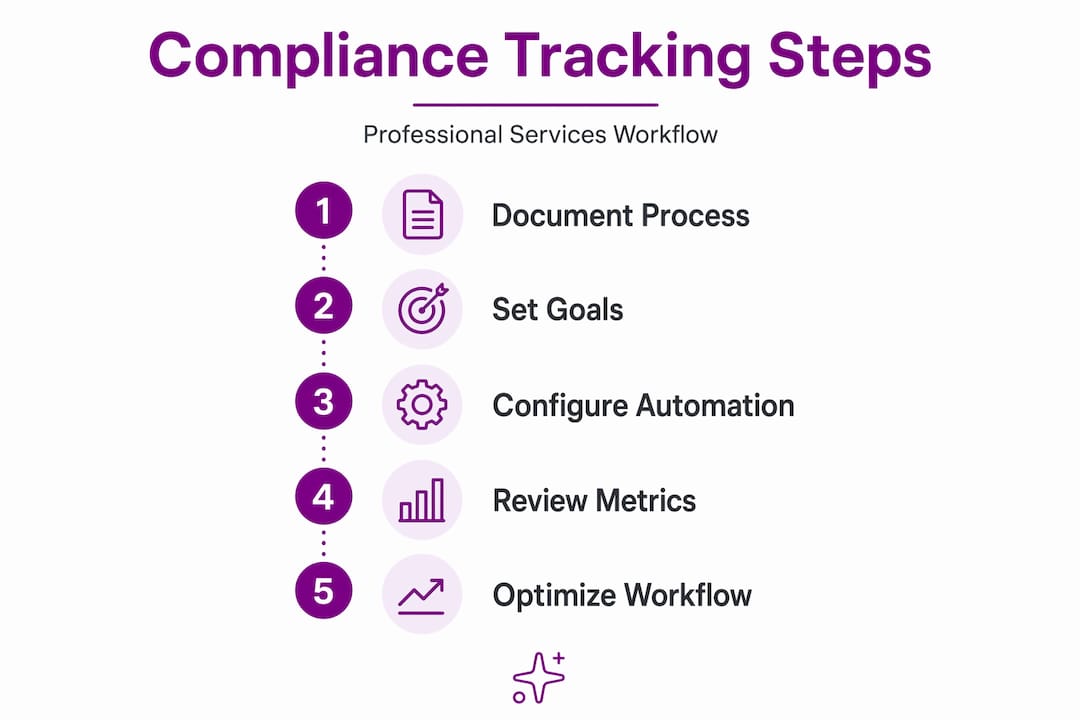
Getting the setup right matters more than choosing the right platform. Firms can cut compliance processing time by 50% or eliminate 90% of manual steps using automation, but only when the underlying workflows are documented before they're automated.
Here's a practical sequence for configuring compliance tracking for service firms:
-
Select the compliance events to automate first. Start with high-volume, recurring tasks. Employee onboarding checklists, annual training completions, and license renewal reminders are good candidates. These have clear triggers, predictable timing, and defined outcomes.
-
Define your business rules in the platform. Most no-code compliance platforms let you set conditions like "if onboarding packet is not completed within 5 days of hire date, escalate to HR." Write those rules out in plain language before you build them. Clear, granular input rules are what separate useful automation from noisy alert systems.
-
Connect to your existing systems. Compliance data lives in your HR platform, your document repository, your practice management tool, and potentially your client portal. Modern platforms offer extensive integrations to pull evidence automatically from those sources. Automated evidence collection from connected systems is where the real efficiency gain comes from, not dashboards.
-
Run everything in sandbox mode first. Most platforms allow you to test your workflows against historical data or simulated scenarios before going live. Use this. You'll find rules that fire too early, forms that don't route correctly, and fields that weren't mapped properly.
-
Build your exception handling. Decide in advance what happens when a compliance event fails to complete. Who gets notified? In what timeframe? What's the escalation path? Firms that skip this step get automation that generates alerts nobody knows how to act on.
The table below shows how a typical consulting firm's compliance calendar transforms after configuration:
| Compliance Event | Before Automation | After Automation |
|---|---|---|
| Annual training attestation | Manual email, tracked in spreadsheet | Auto-triggered, digital signature, filed to record |
| License renewal reminder | Calendar entry per employee | Rule-based alert 60 days out, escalation at 14 days |
| I-9 re-verification | Paper form, physical file | Digital packet, automated deadline alert |
| Conflict-of-interest disclosure | Annual email blast | Per-matter trigger, logged with timestamp |
Pro Tip: Treat your compliance workflow configuration as a living document. Save every business rule in writing outside the platform so you can reconstruct it if you switch tools or onboard a new administrator.
Common pitfalls when implementing compliance automation
Even well-planned implementations run into problems. Knowing the common failure points in advance means you can design around them rather than troubleshoot them after the fact.
The most costly mistake is failing to map your data sources before building your rules. Mapping data sources and validation logic before deployment is what prevents excessive false positives. If your automation pulls employee status from an HR system that hasn't been updated in six months, every rule that depends on that field will produce bad results. Garbage in, garbage out applies as much to compliance systems as to any other data operation.
The second major pitfall is treating implementation as a one-time project. Regulations change. State licensing requirements get updated. Your client base shifts. A compliance program that was accurate in January may have gaps by October.
- Assign a named person to own the compliance configuration, not just the compliance program itself
- Schedule a quarterly review of all active rules and their data sources
- Set up alerts for regulatory updates in every jurisdiction where you operate
- Document changes in your rules with a simple version log
"Treating compliance as a continuous operational process, not just a static audit, increases its value significantly." Source: AI21
The third pitfall is building siloed systems that can't talk to each other. Managed monitoring services that combine expert support with technology can reduce false positives and lighten administrative burden, but only when the underlying data flows are connected. A compliance tool that works in isolation from your onboarding process, your HR system, and your document storage will create more reconciliation work than it saves. The firm that stopped managing compliance in a spreadsheet only got results when they connected their onboarding and compliance workflows in one place.
Measuring results after going live
Once your automated compliance tracking is running, you need a way to know whether it's actually working. Gut feel isn't enough when an auditor asks for your records.

The clearest metrics to track in the first 90 days are processing time per compliance event, error rates in completed records, and the percentage of manual steps eliminated. If your team was spending three hours each month chasing signatures and updating spreadsheets, and that's now 45 minutes of reviewing automated outputs, you've measured something real. Compliance automation can recover 10 to 20 billable hours per week within the first month, which is a meaningful figure for a firm billing at $150 to $300 per hour.
Audit readiness is a less obvious but equally important metric. Before automation, pulling together documentation for an audit typically means searching multiple locations and hoping nothing was lost. After automation, every compliance event has a timestamped record with the associated document, the person who completed it, and the date. That's an audit trail that takes minutes to produce rather than days.
Pro Tip: Run a mock audit of your compliance records at the 60-day mark. Pull five random records and trace the full evidence chain from trigger to completion. If you find gaps, they're easier to fix now than when an actual reviewer is waiting.
One thing that firms consistently underestimate is how much better their onboarding becomes as a side effect of compliance tracking. When onboarding and compliance share the same tool, new employee records are accurate from day one, and ongoing compliance events trace back to that original record without manual re-entry. The consulting compliance tracking benefits aren't limited to regulatory coverage. They extend into cleaner client records, faster onboarding completion, and better visibility across the firm.
Plan your first optimization review for the 90-day mark. Look at which rules fired, which escalations were triggered, and which events still required manual intervention. That data tells you where to refine, not where to assume the work is done.
My take on compliance tools for small firms
I've watched a lot of firms try to solve compliance tracking with whatever was already available. The spreadsheet gets shared with a second tab for "2026 renewals," then a third tab for "exceptions," and six months later it's a document that nobody trusts but everyone's afraid to touch.
What I've learned from building OnboardingGenie is that the problem is rarely the firm's commitment to compliance. It's that the tools ask too much of the person maintaining them. Rigid enterprise GRC platforms assume you have a compliance department. Many firms waste resources on these off-the-shelf tools that don't fit their actual workflows. A 12-person law firm or consulting practice needs something configurable, not something built for a 500-person organization.
The thing I'd push back on hardest is the idea that automation solves the problem on its own. It doesn't. Automation speeds up the execution of a process you've already designed. If that process has gaps, the automation will hit those gaps faster and more consistently than a human would. The firms that get the best results from compliance tracking are the ones that treated the setup seriously, assigned ownership clearly, and built a review cycle into the program from the start.
Executive-level involvement elevates compliance from a back-office task to something the firm actually manages. That shift matters more than the software choice.
— Chris
How OnboardingGenie handles compliance for small firms
If you've recognized your own firm in any part of this article, the next step doesn't have to be a six-month software evaluation.
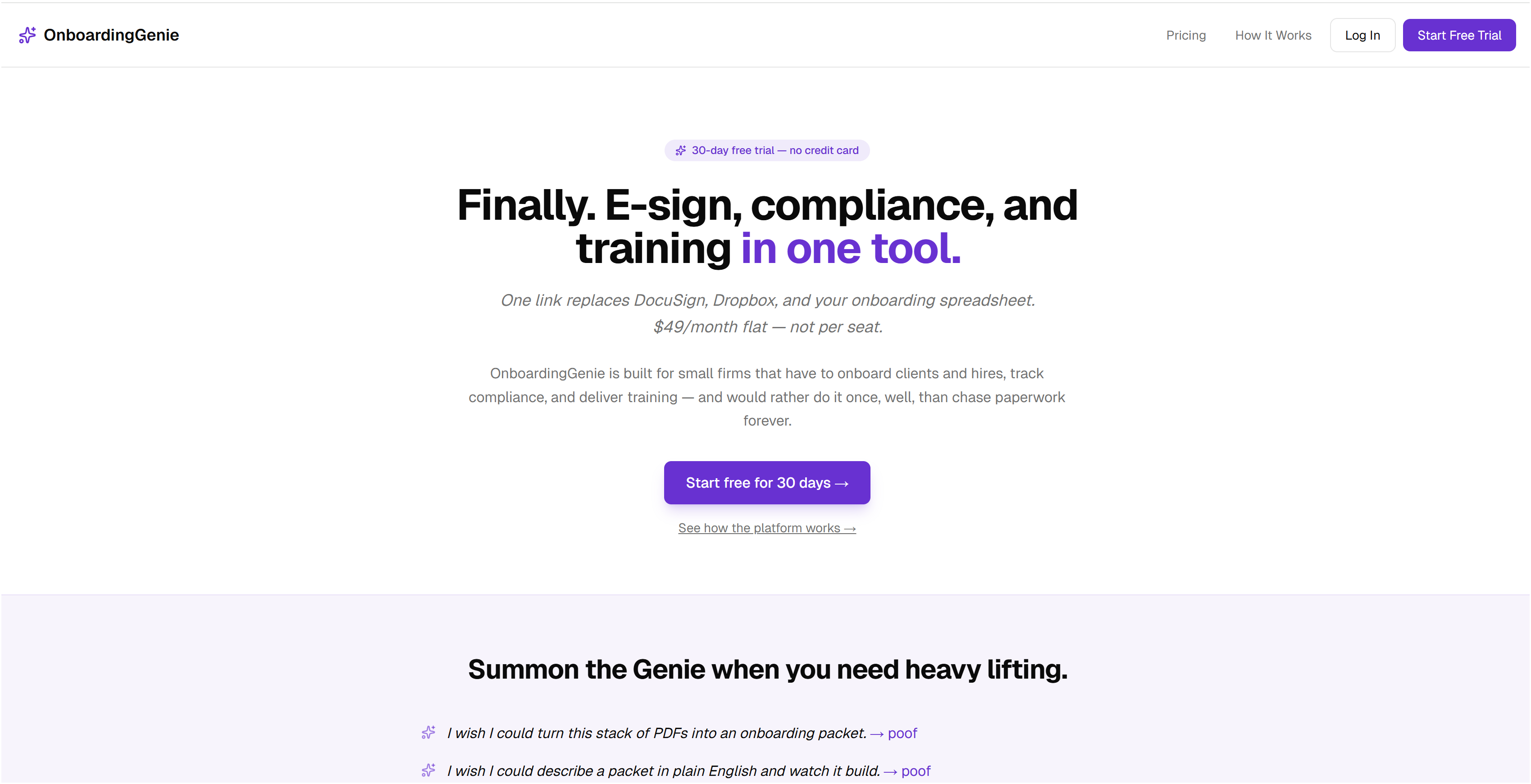
OnboardingGenie was built specifically for small professional service firms that are done managing compliance in spreadsheets and disconnected tools. The platform consolidates onboarding packets, digital signatures, compliance forms, training materials, and deadline-aware reminders into a single branded portal. There's no enterprise pricing model and no feature set designed for a compliance department you don't have.
For law firms, consulting practices, and accounting firms, OnboardingGenie handles the ongoing compliance workflows that outlast onboarding: annual training attestations, license renewal tracking, engagement letter renewals, and audit-ready documentation. Every event is logged with a timestamp and attached record, which means your audit trail builds itself.
You can explore the full compliance management features to see how the workflow configuration works for firms your size, or start directly with a free account and build your first compliance workflow today. Flat monthly pricing, no per-seat surprises, and no implementation consultant required.
FAQ
What is compliance tracking for professional service firms?
Compliance tracking for professional service firms is the process of monitoring, recording, and verifying that required regulatory, contractual, and internal obligations are completed on time. It covers events like employee license renewals, annual training completions, and client disclosure requirements.
How does onboarding connect to ongoing compliance?
Onboarding creates the foundational record for every compliance event that follows. When onboarding and compliance share one system, employee and client data flows forward automatically without re-entry, reducing errors and making audit trails complete from day one.
How long does it take to see results from compliance automation?
Most firms see measurable reductions in manual processing time within the first 30 days. Compliance automation can recover 10 to 20 billable hours per week once deployed on documented workflows.
What causes false positives in automated compliance systems?
False positives happen when business rules are written without clearly mapping the underlying data sources. Granular input rules and validated data sources are required before deploying any automated compliance agent to prevent alert fatigue.
Do small firms need enterprise compliance software?
No. Software suitability depends on workflow complexity and operational scale. Most small professional service firms are better served by configurable, low-code platforms than by enterprise GRC tools priced and designed for large compliance departments.